
 Kontakt
  Infocenter
  Log ind
  0 Indkøbskurv Indkøbskurv Indkøbskurv
 Ingen varer
0 Spil til en total pris af: 0,00 €

RuneQuest: Warlords (PC)

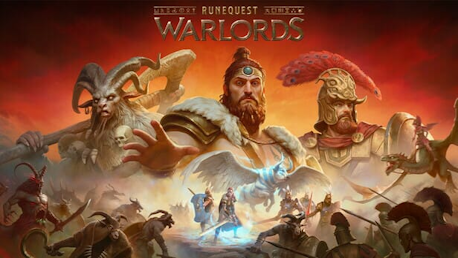
RuneQuest: Warlords is a battle-scale turn-based strategy game set in the RuneQuest universe.
Immerse yourself in the rich lore of the world of Glorantha. Become a warlord, master the use of runes and defend your tribe against the incursions of Chaos. Vanquish your enemies using a mix of magic-enhanced strategies and rune-based abilities. Field a diverse army drawing from heroes and creatures alike.


Players are drawn into the rich world of Glorantha, a mystical cube of earth surrounded by the Sramake’s River, where ancient floods still cover much of the land. Set between the lands of Talastar and Dorastor, to the west of Dragon Pass on the Genertela continent, the game’s storyline unfolds during the crucial year of 7/37 (1608) in the Glorantha timeline, encompassing the desperate struggle of the Talastar Tribes, fighting for their very survival against the hordes of Chaos.


The campaign tells the story of Hahlgrim, a tribal champion from Talastar’s Bilings, as he gathers allies - including elves, and even temporary Lunar allies - to push back the invading Chaos hordes from Dorastor. The journey progresses across 18 missions, narrating a story filled with deeds of valor, heroism, cruelty and betrayal.
As the story progresses, players will encounter iconic characters from the Runequest world like Ketil Whiteye, Hakon the Swimmer, Woowander and Ralzakark.

In RuneQuest: Warlords, battles unfold on a grid-based map where terrain and positioning provide real tactical depth.
Each unit holds a 'Zone of Control' over nearby tiles, forcing enemies to engage or maneuver around. Action Points (AP) can be used for moves, attacks, or special abilities, with Heroes gaining two AP for advanced tactics like flanking and spellcasting. Spirit, Rune, and Sorcery magic bring powerful abilities, while Sentry Mode allows units to guard areas automatically. Tactical reactions like Opportunity Attacks and counter-attacks make positioning critical, adding layers of strategy to every move.

Each of the three factions - Talastar, Chaos and Lunar Empire - offers diverse units, each consisting of multiple models ranging from 1 to 7 per unit. These units span a great variety of types from specialized heroes like Chieftain, Howler and Centurion who possess unique abilities and distinctive appearances, to powerful spellcasters such as the Stormwalkers and Broo Shamans. Each faction also boasts heavies and skirmishers units including hybrid warriors equipped for both melee and ranged combat, monsters and artillery, cavalry, and versatile troops like Shadowcats and Broo Marauders. Every model in a unit has its own health points, adding layers of depth to the tactical gameplay.

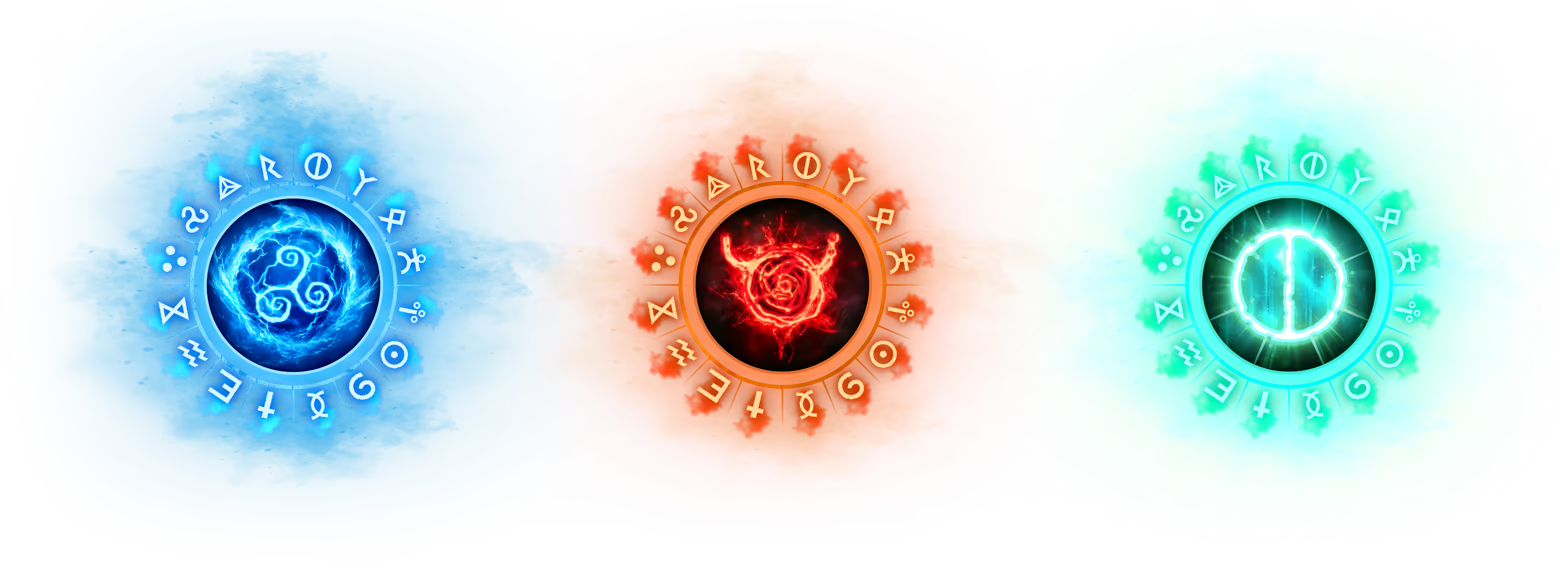
Magic plays a central role in the game through the ancient and powerful Runes, connected to the Glorantha pantheon of gods. As players progress, heroes strengthen their affinity with specific Runes, unlocking new magical abilities based on their connection to the Gods.
These magic abilities can be instant or sustained, requiring careful management of unit resources. Cult Rune Magic, exclusive to commanding Hero units, grants powerful abilities that provide both short-term advantages and sustained tactical support. Mastering Cult Rune Magic is key to harnessing the full power of Glorantha’s pantheon.

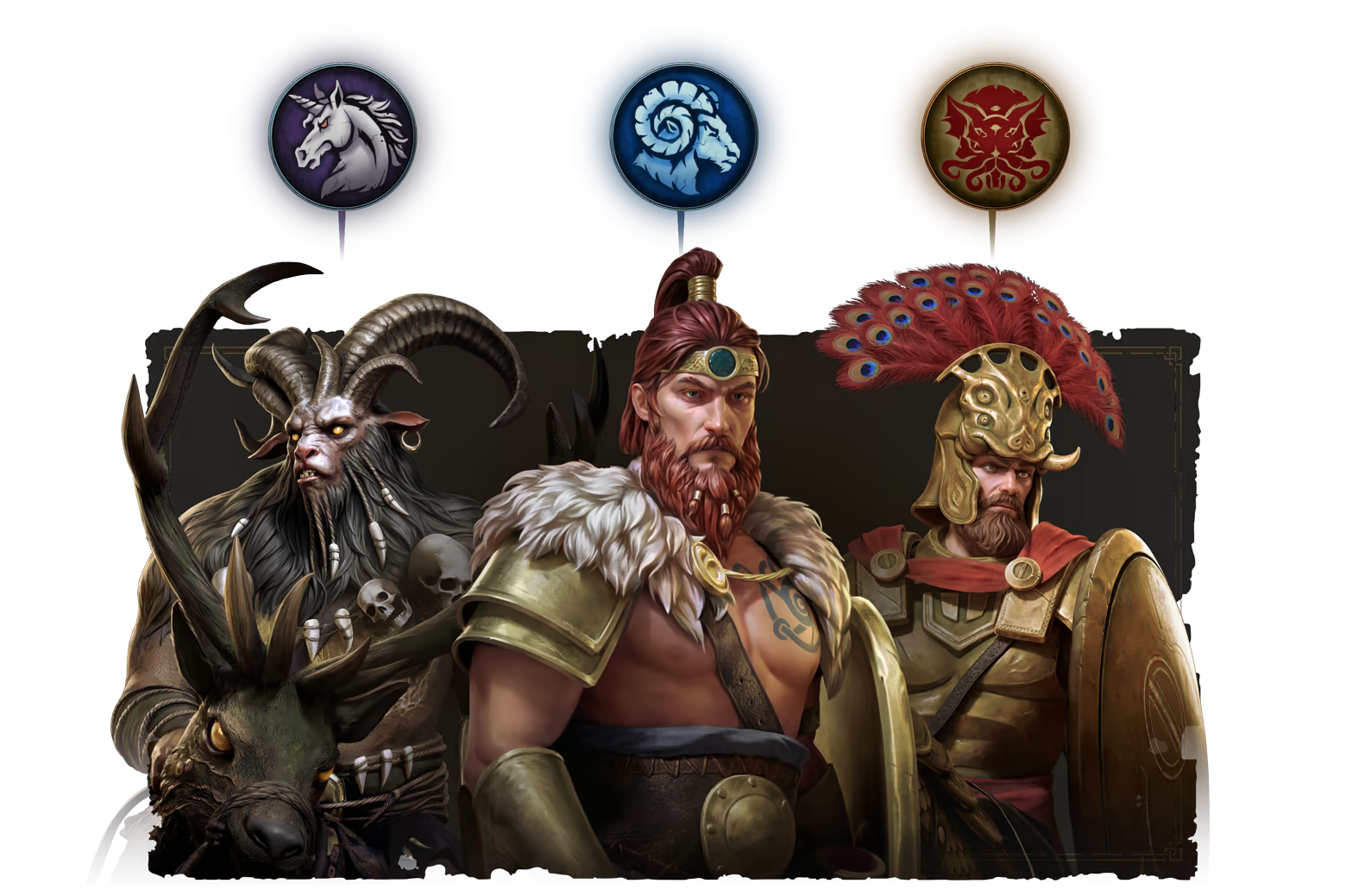
Players can engage in intense tactical battles across a variety of maps, each designed with unique strategic challenges. In the Competitive Arena, they test their skills in replayable scenarios. With three distinct factions to choose from - Talastar, Chaos, and the Lunar Empire - each with its own strengths and playstyle, the game offers diverse matchups and strategies. This multiplayer structure encourages the refinement of tactics and fosters dynamic, strategy-driven battles, fully embracing the strategic essence of RuneQuest: Warlords.

All Contents © 2025 Chaosium Inc. All Rights Reserved. Chaosium®, RuneQuest®, are registered trademarks.
Published by Slitherine Ltd. Developed by Volmi Games Ltd. and Slitherine Software UK Ltd.
All rights reserved to their respective owners.
Hvordan virker det? Modtager jeg RuneQuest: Warlords fysisk?
Nej, du modtager en RuneQuest: Warlords produktnøgle (RuneQuest: Warlords CD Key), som du modtager via e-mail. Du skal derefter bruge Steam-platformen til at indløse din RuneQuest: Warlords produktnøgle (RuneQuest: Warlords CD Key), og du er derefter klar til downloade, installere og spille RuneQuest: Warlords. Ved køb af spillet, modtager du samtidig en vejledning til hvordan dette gøres, hvis du skulle være i tvivl. Så bliver det ikke nemmere!
RuneQuest: Warlords is a battle-scale turn-based strategy game set in the RuneQuest universe. Immerse yourself in the rich lore of Glorantha. Become a warlord, master the use of runes and defend your tribe against the incursions of Chaos. Field an army drawing from heroes and creatures.
Der er i øjeblikket ingen anmeldelser