
 Contact
  Infocenter
  login
login  0 Artikel Artikel 0 Vare
 Keine Artikel
0 Product(s) for a total of: 0,00 €

Phantom Squad

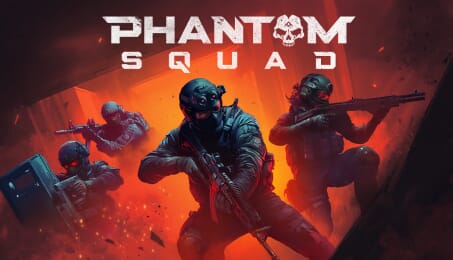
Phantom Squad drops you into the chaos of top-down tactical combat built for co-op. Squad up with friends in 1–4 player missions where communication, coordination, and smart planning are the difference between clean execution and total wipeout.
Plan Your Strike
Use voice chat and in-game tools to coordinate your approach. Move fast and adapt as things change; the enemy won’t hesitate.
Intense Gunfights
When the shooting starts, every bullet counts. Miss your target and you won’t get a second chance. One shot can make or break your mission.
Gear Up To Survive
Firepower isn’t enough. Use over 20 specialized gadgets (scouting devices, incapacitating equipment, heartbeat sensors, breaching tools, traps and more) to gain the edge. Master them or get left behind.
Online Co-Op Operations
No one clears a room alone. Team up with friends in fully online co-op missions built for communication and planning. Plan your entry, cover each angle, and move as one unit. During a mission, trust is your strongest weapon.
Tactical Matchmaking
Every mission demands the right squad. Jump into quick, random matchmaking that pairs you with teammates. Coordinate, adapt, and execute under pressure, because in the field, teamwork isn’t optional. It’s survival.
Main Features
Co-Op Teamwork: Squad up with 3 other players, each with a role, to execute perfect strategies.
Tactical Planning: Mark routes, objectives and entry points as the mission unfolds.
Friendly Fire: One wrong shot could take down a friendly. Stay sharp.
Realistic Combat: Precision gunfights where mistakes mean death.
Specialized Gear: Outthink, outmanoeuvre and outgun your enemies.
Global Threat: Your missions will lead you through downtown buildings, jungle compounds, arctic labs, …
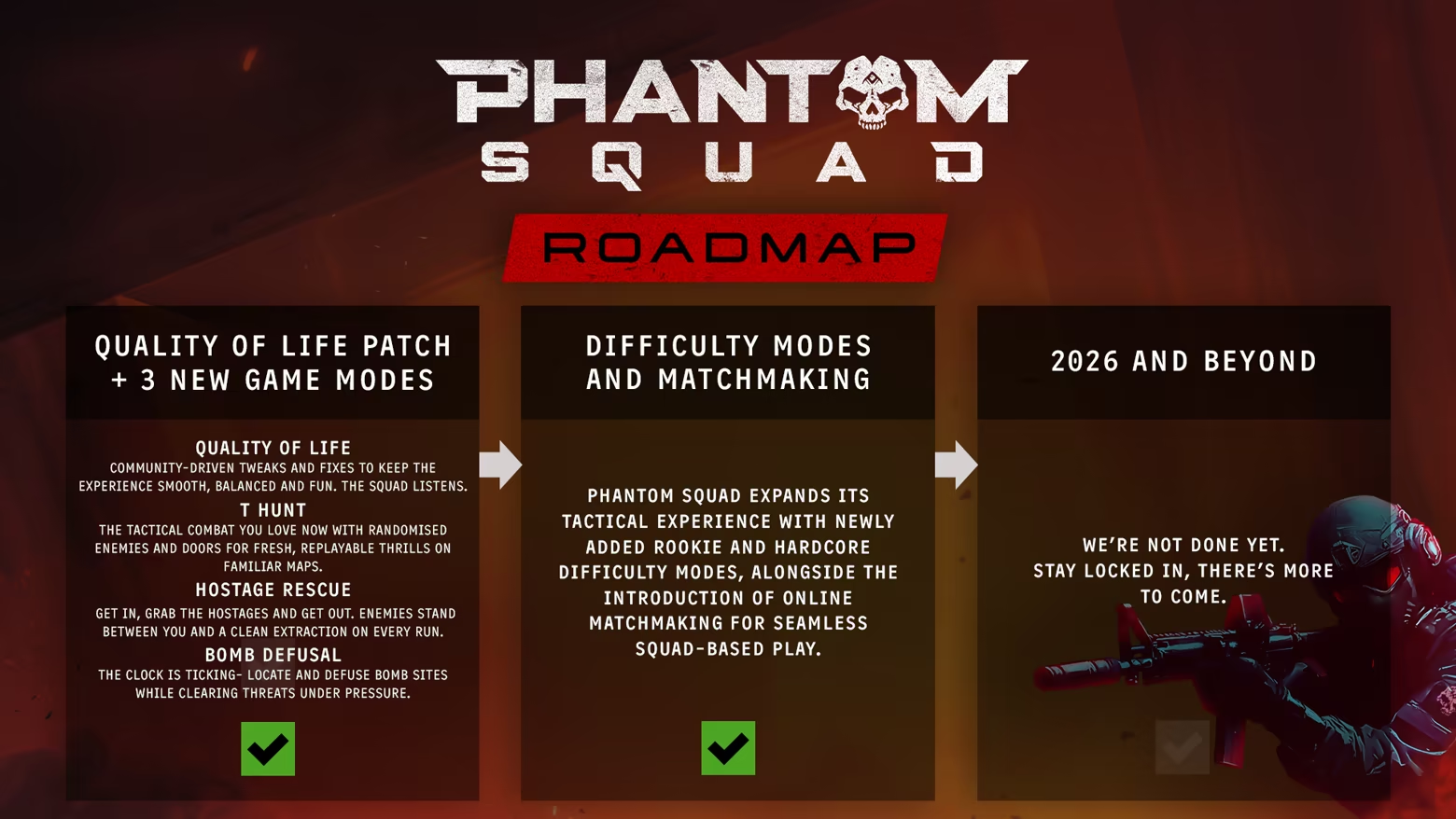
Choose Your Difficulty: Rookie for new operatives, Normal for seasoned squads, Hardcore for those who fear nothing.
No backup. No rules. Just your squad and survival. Are you ready?
Phantom Squad is inspired by some amazing games: Doorkickers, Ready or Not, Rainbow Six Siege and many other amazing tactical shooters! Check them out too if you haven't already!

How does it work? Will I receive Phantom Squad as a physical copy?
No, you will receive Phantom Squad product key (Phantom Squad CD Key), that you will receive by e-mail. Afterwards, you will need to use the Steam-platform to redeem your Phantom Squad product key (Phantom Squad CD Key), and you'll be ready to download, install and play Phantom Squad. You will receive a step-by-step guide on how to do this along with your purchase. It's easy as can be!
Phantom Squad is a 1-4 player co-op tactical top-down shooter blending fast-paced combat with real-time strategy. Play solo or team up through online co-op and matchmaking, coordinating movement, positioning, and split-second decisions to survive intense, high-risk missions.
No customer reviews for the moment.