 Contact
  Infocenter
  Login
Login 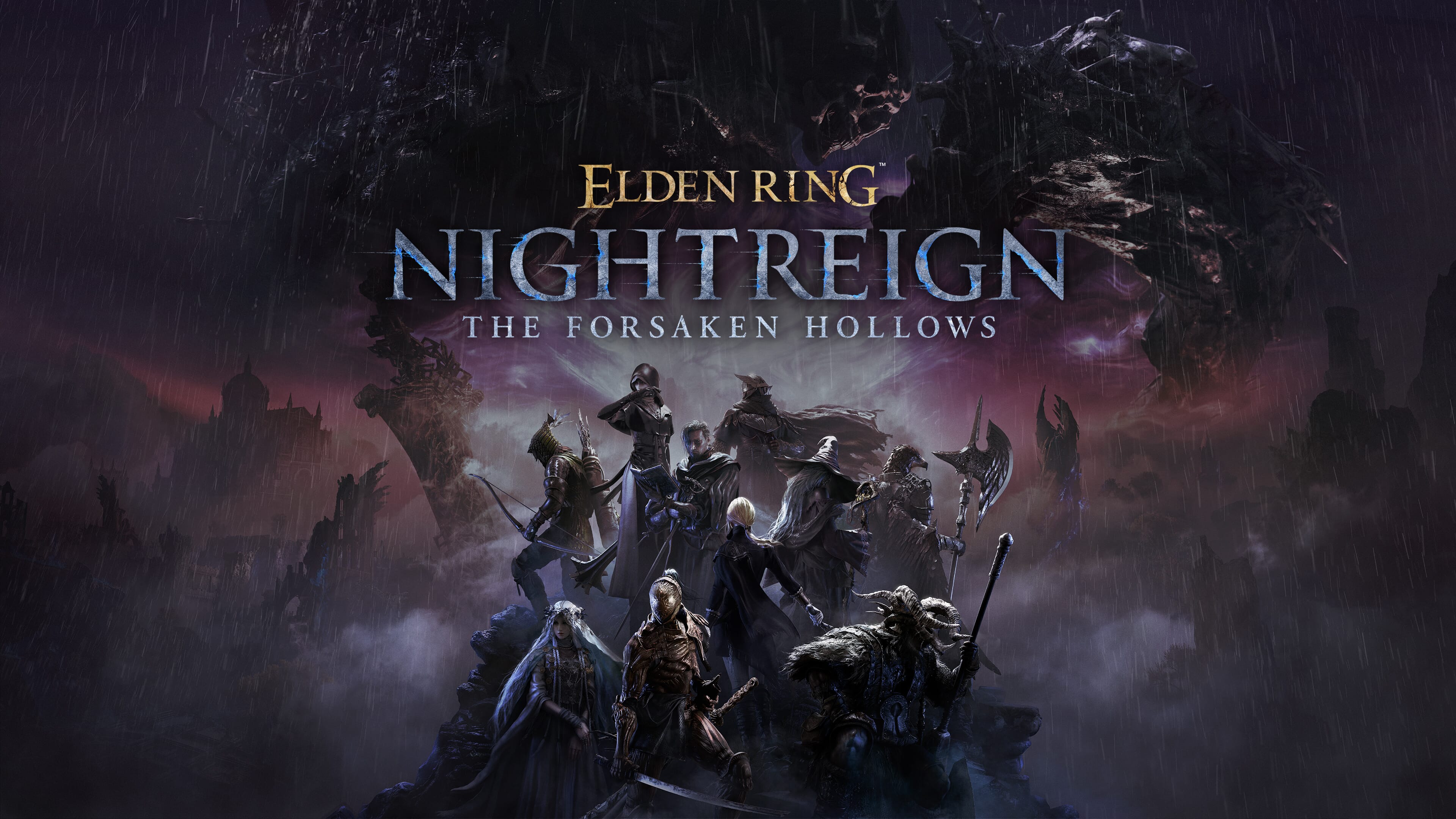
Requires the base game ELDEN RING NIGHTREIGN on Steam in order to use ELDEN RING NIGHTREIGN The Forsaken Hollows.

 0 Product Products 0 Items
 No products
Your basket contains
0 Product(s) for a total of: 0,00 €
0 Product(s) for a total of: 0,00 €

Product successfully added to your shopping cart
Quantity
Total
There are 0 items in your cart. There is 1 item in your cart.
Total products
Total shipping To be determined
Total
ELDEN RING NIGHTREIGN The Forsaken Hollows (PC)
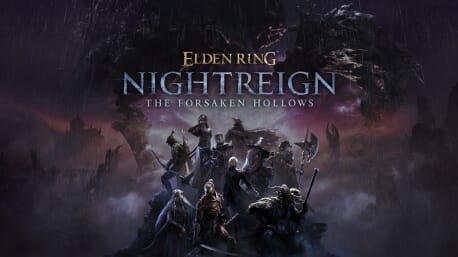




ELDEN RING NIGHTREIGN The Forsaken Hollows (PC)

ELDEN RING NIGHTREIGN The Forsaken Hollows CD key to be activated and downloaded via Steam. You will not be sent any physical items in the mail. You will receive a(n) Steam product key via e -mail.
PLEASE NOTE - THIS IS AN EXPANSION PACK
ELDEN RING NIGHTREIGN THE FORSAKEN HOLLOWS GAME DESCRIPTION
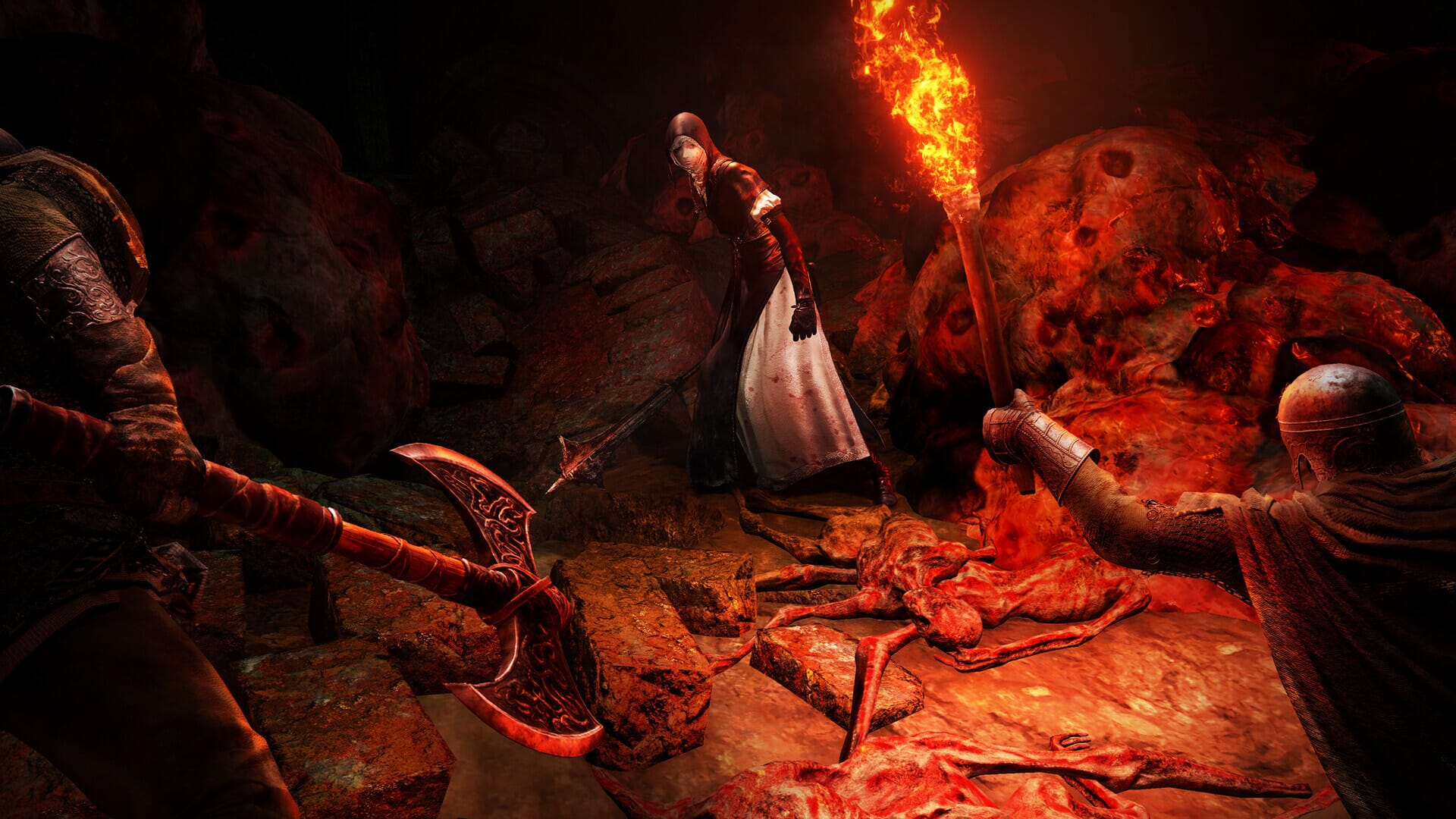
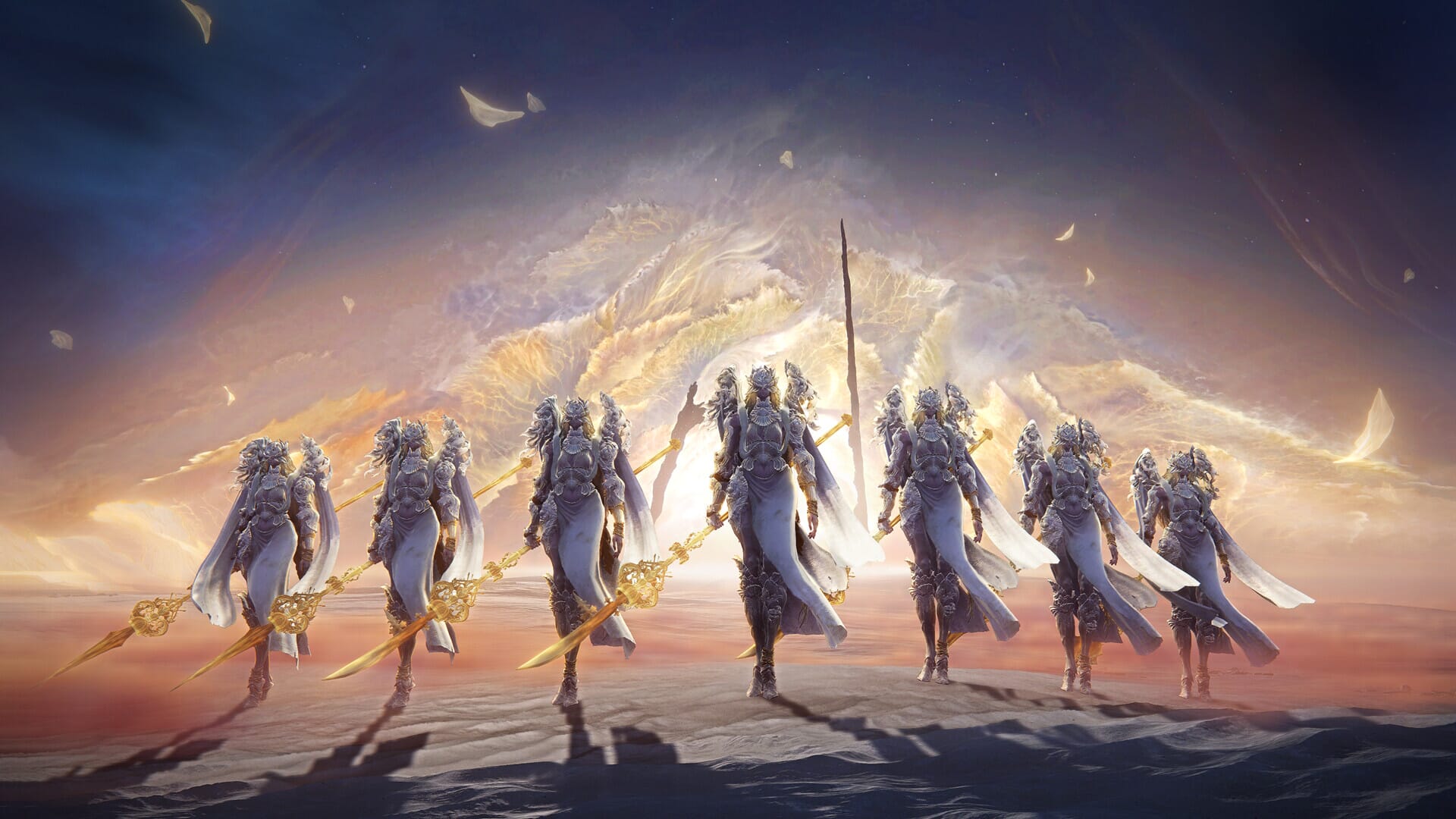
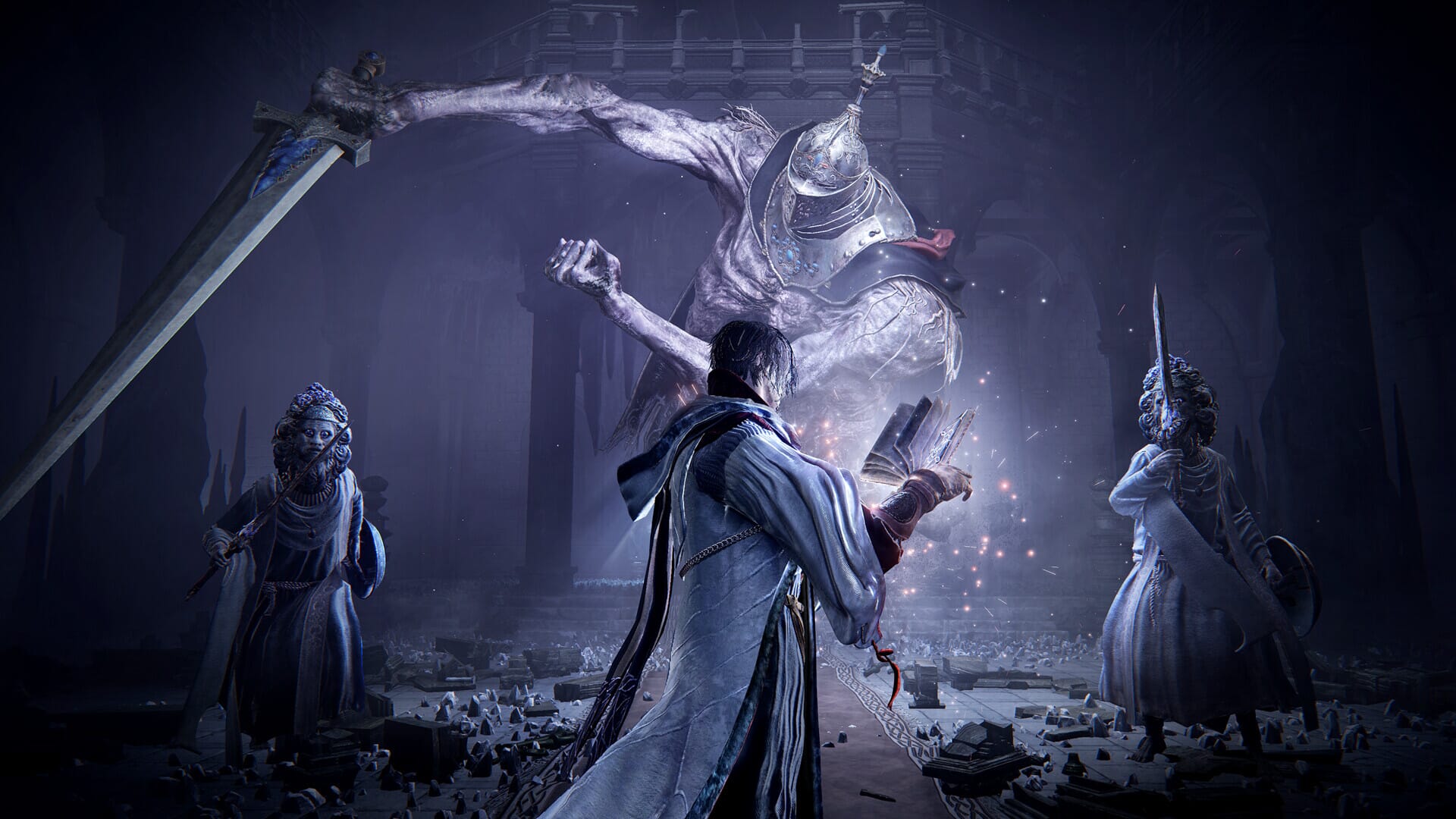
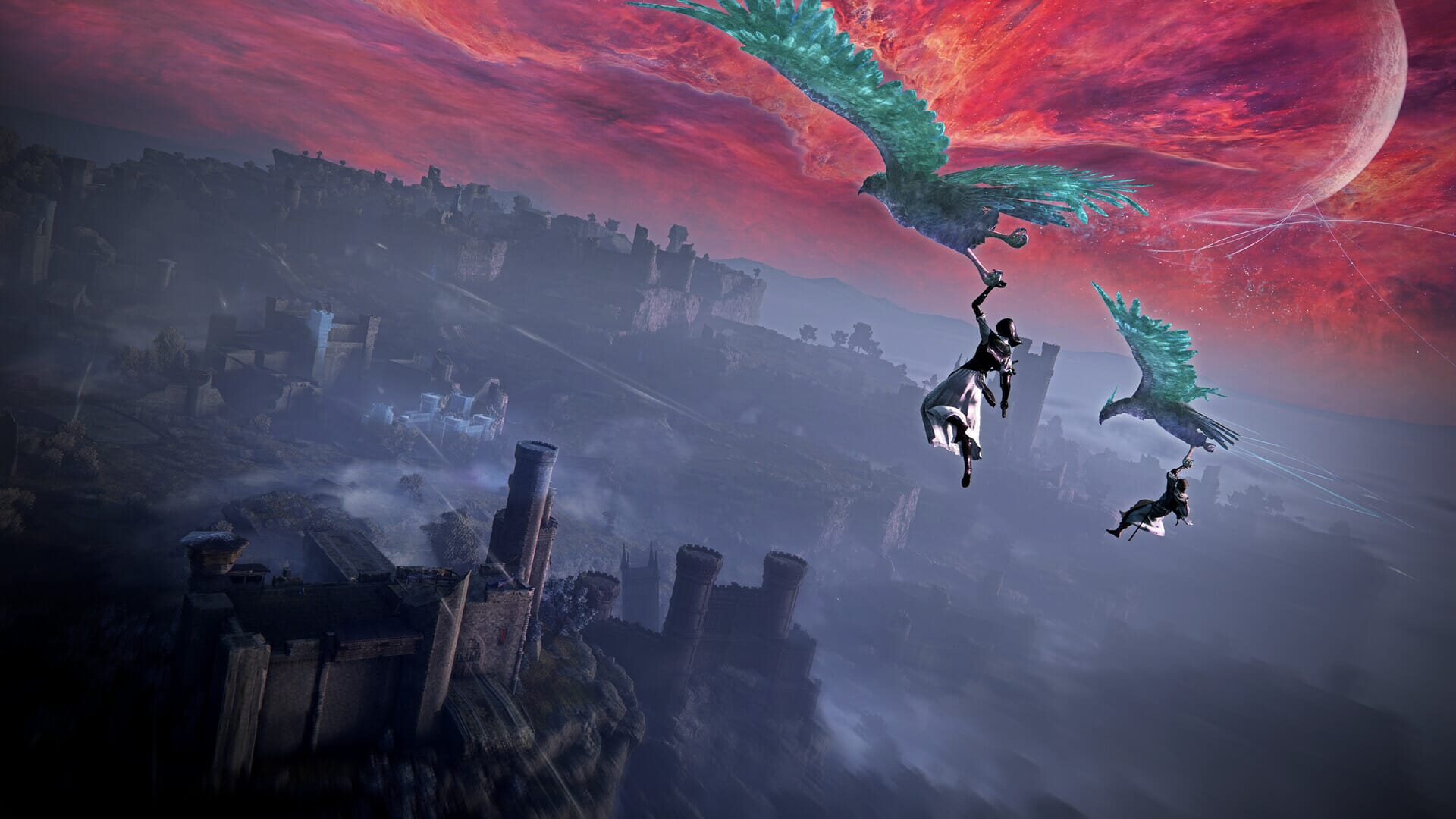
Delve deeper into the world of ELDEN RING NIGHTREIGN with this expansion. The Forsaken Hollows DLC includes 2 additional Nightfarers, 2 Day Three Bosses, 1 new Shifting Earth, and more!
ELDEN RING NIGHTREIGN The Forsaken Hollows includes:
- 2 additional Nightfarers
- 2 Day Three Bosses
- Additional Shifting Earth
- And more!
*The Forsaken Hollows DLC is also included in the Deluxe Edition. Be careful of duplicate purchases.


FREQUENTLY ASKED QUESTIONS
How does it work? Will I receive ELDEN RING NIGHTREIGN The Forsaken Hollows as a physical copy?
No, you will receive ELDEN RING NIGHTREIGN The Forsaken Hollows product key (ELDEN RING NIGHTREIGN The Forsaken Hollows CD Key), that you will receive by e-mail. Afterwards, you will need to use the Steam-platform to redeem your ELDEN RING NIGHTREIGN The Forsaken Hollows product key (ELDEN RING NIGHTREIGN The Forsaken Hollows CD Key), and you'll be ready to download, install and play ELDEN RING NIGHTREIGN The Forsaken Hollows. You will receive a step-by-step guide on how to do this along with your purchase. It's easy as can be!
ELDEN RING NIGHTREIGN The Forsaken Hollows includes 2 additional Nightfarers, 2 Day Three bosses, 1 new Shifting Earth, and more!
Genre Action RPG Single-player Multi-player Co-op Online Co-op Downloadable Content Steam Achievements Full controller support Camera Comfort Custom Volume Controls Playable without Timed Input Stereo Sound Surround Sound Steam Cloud Family Sharing
Publisher FromSoftware, Inc. BANDAI NAMCO Entertainment
PEGI-rating 
Developer FromSoftware, Inc.
Platform PC
Language English Japanese French Italian German Spanish - Spain Arabic Korean Polish Portuguese - Brazil Russian Simplified Chinese Spanish - Latin America Thai Traditional Chinese
Release date 04-12-2025
System requirements Read moreNo customers reviews at the moment.