
 Contact
  Infocenter
  Login
Login  0 Product Products 0 Items
 No products
0 Product(s) for a total of: 0,00 €

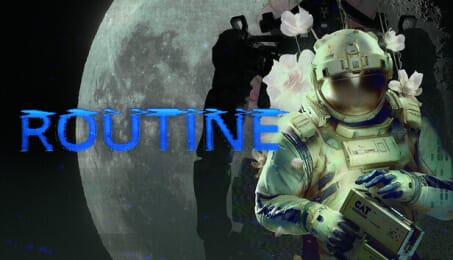
ROUTINE (PC)

█ ROUTINE is a First Person Sci-Fi Horror title set on an abandoned lunar base designed around an 80s vision of the future.
Curious exploration turns into a need for survival when a lunar base goes completely quiet. Searching for answers puts you face to face with an enemy who is certain the main threat is you. Discoveries lead to deeper unknowns and the only way to go is forward. ▌

Roam through contrasting sectors of the lunar base, from abandoned malls to deteriorating Living Quarters.
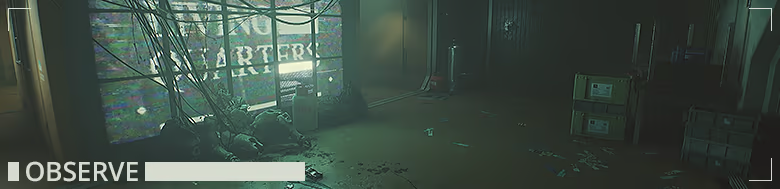
Investigate your surroundings and uncover crucial information to progress and piece together the events that unfolded before your arrival.

Full body awareness, diegetic audio, and minimal UI help create a gripping and atmospheric experience.
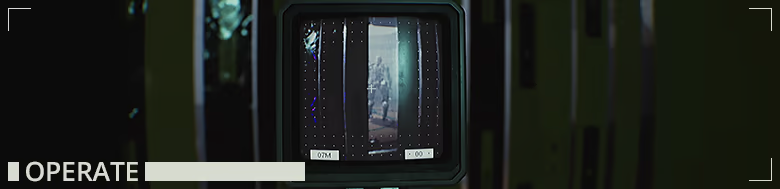
Your Cosmonaut Assistance Tool [C.A.T.] is vital. Use it to access critical terminals, navigate the environment and identify clues.
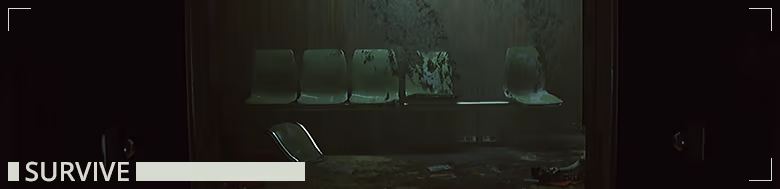
Run, hide, or attempt to defend yourself against unknown threats using the C.A.T. as a last resort.

How does it work? Will I receive ROUTINE as a physical copy?
No, you will receive ROUTINE product key (ROUTINE CD Key), that you will receive by e-mail. Afterwards, you will need to use the Steam-platform to redeem your ROUTINE product key (ROUTINE CD Key), and you'll be ready to download, install and play ROUTINE. You will receive a step-by-step guide on how to do this along with your purchase. It's easy as can be!
ROUTINE is a First Person Sci-Fi Horror set on an abandoned lunar base designed around an 80s vision of the future. Explore and investigate your surroundings as you survive against unknown threats.
No customers reviews at the moment.