
 Contact
  Infocenter
  Login
Login  0 Product Products 0 Items
 No products
0 Product(s) for a total of: 0,00 €

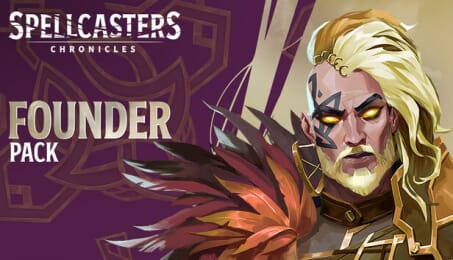
Spellcasters Chronicles - Founder Pack


A premium introduction to customization in Spellcasters Chronicles.
The Founder Pack gives you a stronger customization head start, with Founder skins with unique VFX for two Spellcasters, each paired with a matching exclusive Founder Catalyst.
Includes:
2,400 Eldergold* which can be used to purchase additional cosmetics in-game starting from Early Access
Titles: “Explorer of Ashkenon” & “Founder of Ashkenon”
Banner Borders: “Explorer”, “Founder”
Founder banners: Witch, Sorcerer
Founder Skin & Founder Catalyst for:
- Swamp Witch
- Iron Sorcerer
* This pack includes a total of 2,400 Eldergold. You pay for 2,019 Eldergold, and we offer 381 Eldergold as a bonus.
All items included in this pack will be unlocked at Early Access launch. Learn more about this pack on our website's Support page.

How does it work? Will I receive Spellcasters Chronicles - Founder Pack as a physical copy?
No, you will receive Spellcasters Chronicles - Founder Pack product key (Spellcasters Chronicles - Founder Pack CD Key), that you will receive by e-mail. Afterwards, you will need to use the Steam-platform to redeem your Spellcasters Chronicles - Founder Pack product key (Spellcasters Chronicles - Founder Pack CD Key), and you'll be ready to download, install and play Spellcasters Chronicles - Founder Pack. You will receive a step-by-step guide on how to do this along with your purchase. It's easy as can be!
A premium introduction to customization in Spellcasters Chronicles. The Founder Pack gives you a stronger customization head start, with Founder skins with unique VFX for two Spellcasters, each paired with a matching exclusive Founder Catalyst.
No customers reviews at the moment.