
 Contact
  Infocenter
  Login
Login  0 Product Products 0 Items
 No products
0 Product(s) for a total of: 0,00 €

shapez 2 Supporter Edition

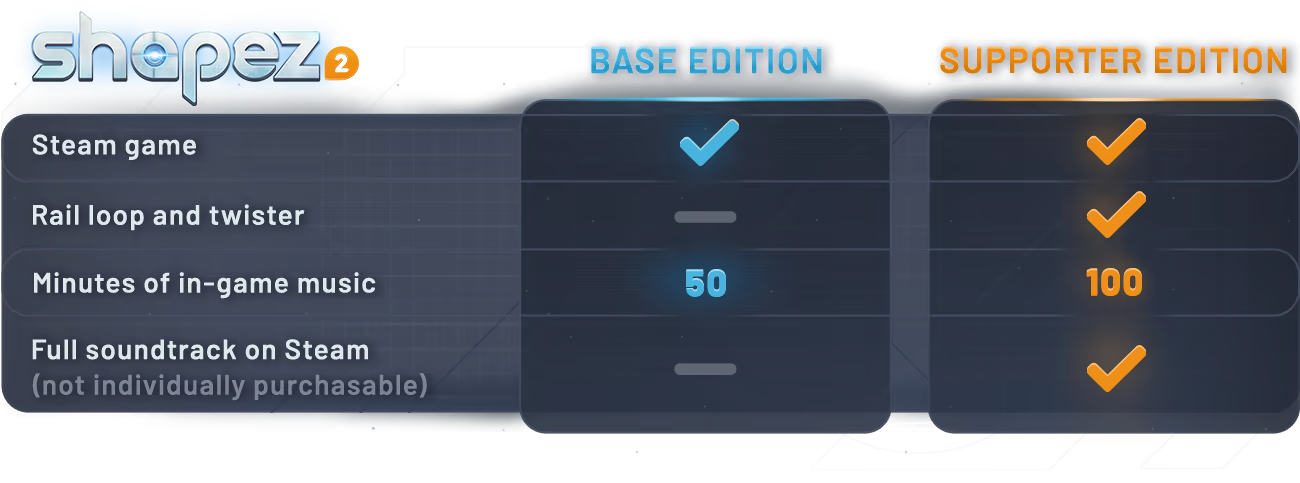
Show your support for shapez and get two unique rollercoaster inspired track pieces for your space railways, plus 50 minutes of additional music and the full soundtrack!
Important Note: By buying the supporter edition, you are first and foremost showing your support for shapez 2. The rail cosmetics and additional music tracks are just the bonus on top!
shapez 2 is a 3D factory-building game where you automate the extraction, production and delivery of geometric shapes. Each shape is its own set of building blocks that your factories can take apart, stack, paint and put back together in near-infinite different ways.

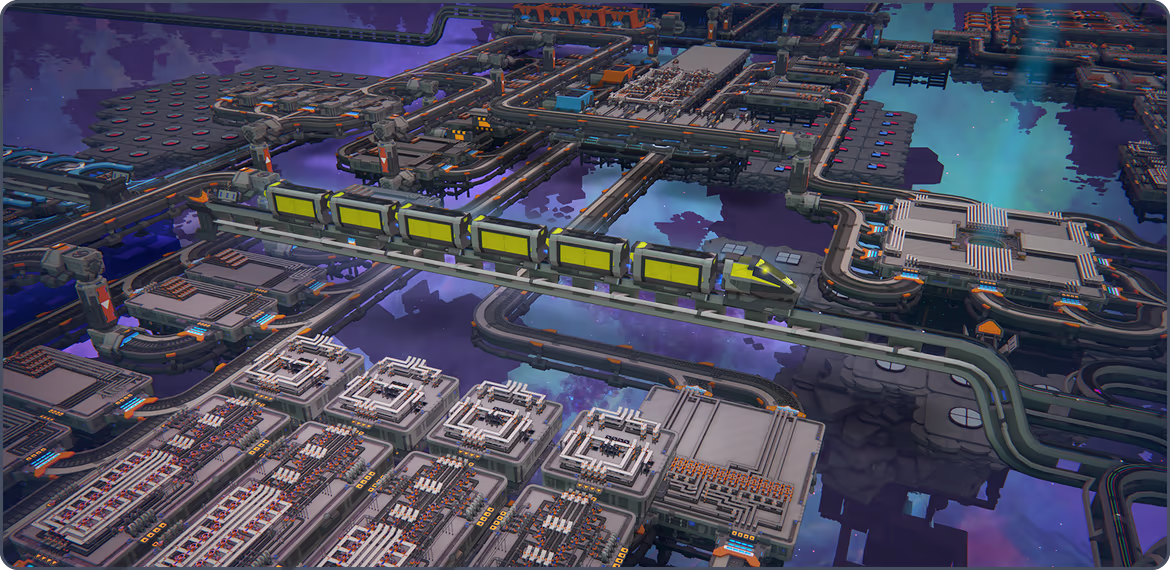
 Deliver specific shapes to unlock new technologies, expanding your factory’s capabilities and scale to make even more unique shapes. Grow a single conveyor belt into a massive multi-station space factory across three interconnected layers. Keep it efficient and optimise every platform, or expand into the infinity of space and connect a million buildings by space train – you decide how you engineer your factory.
 shapez 2 is the purest factory simulation game imaginable: all buildings are free, resources never run out and there are no enemies or time limits. Effortlessly delete, redesign and rebuild your spaghetti belts as much as you want, without penalties. You’re in complete control of this sandbox, so you can focus on how to craft the next shape.
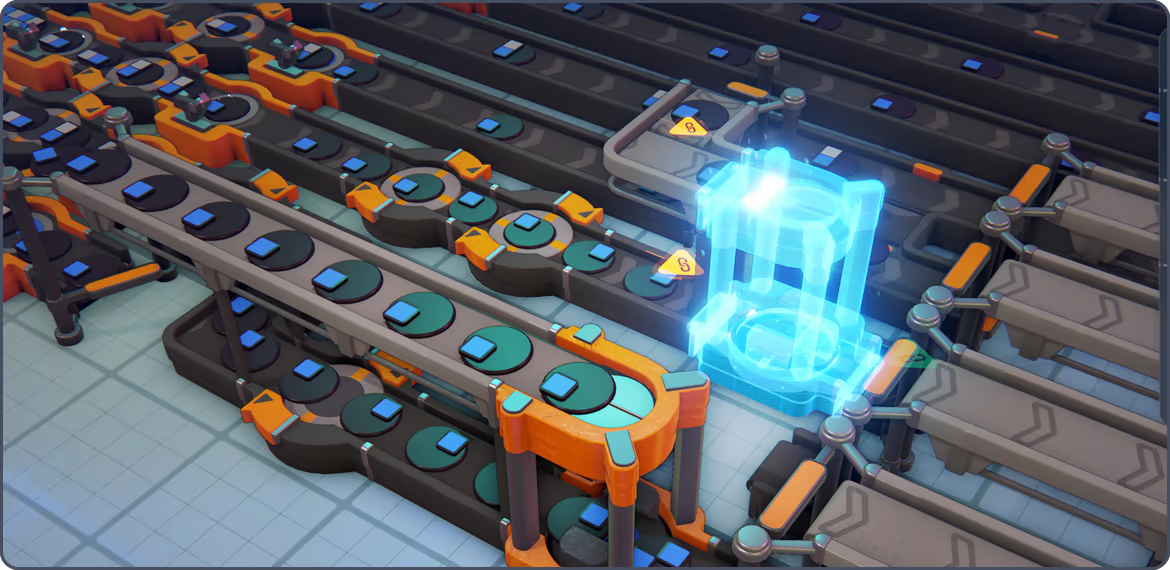

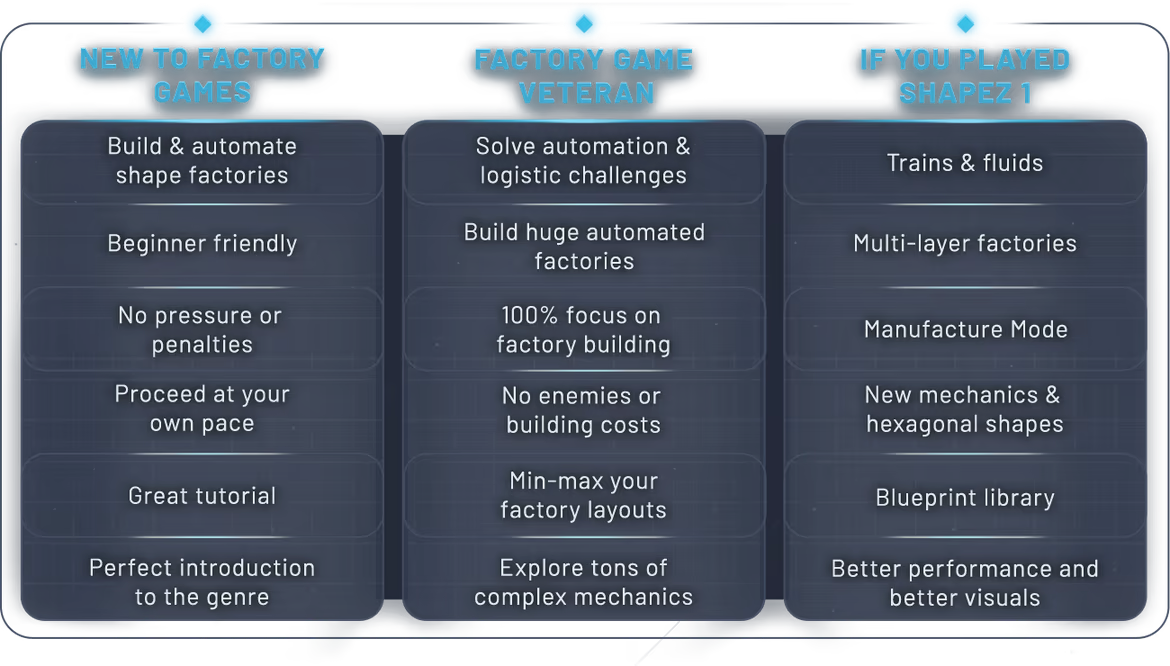
Whether you’re new to the genre, a casual or an automation veteran, shapez 2 is for everyone. Pick between three difficulty levels with completely unique logistic puzzles each or take on the experimental Hexagonal mode. There are many reasons to play shapez 2 again and again.
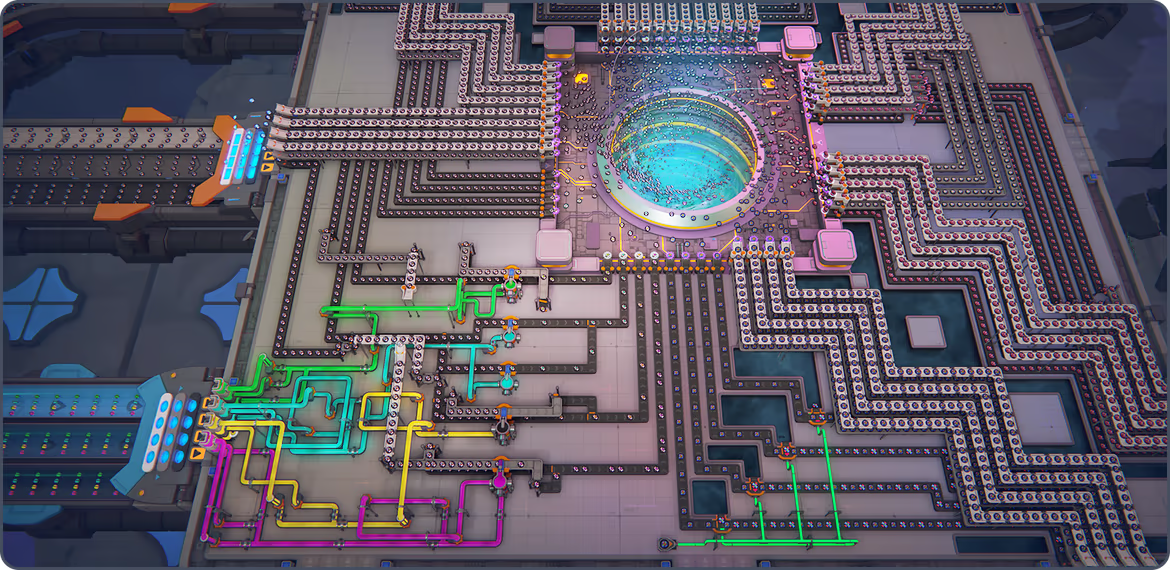

If you’re looking for a list of what shapez 2 has to offer, these are the features you should know about:
Multi-Layer 3D Factories: Design and optimize your factories across three building layers for both buildings and platforms. Connect everything by space belt or train!
Multiple Difficulty Levels: One main game mode with multiple difficulty levels for both new and veteran players, as well as the experimental Hexagonal mode if you’re up for the challenge
Challenging Shape Mechanics: Discover shapes types with unique properties and logic
Open Production Buildings: Build stunning space factories with animated open buildings, so you can always see exactly what’s going on or going wrong
Research System: Unlock new buildings, mechanics & upgrades that open up new ways to build your factory
Blueprint Library: Save, load, export and share factory design blueprints with anyone
Easy controls: Effortlessly cut, copy & paste parts of your factory and undo & redo up to 50 operations with intuitive keyboard controls


How does it work? Will I receive shapez 2 Supporter Edition as a physical copy?
No, you will receive shapez 2 Supporter Edition product key (shapez 2 Supporter Edition CD Key), that you will receive by e-mail. Afterwards, you will need to use the Steam-platform to redeem your shapez 2 Supporter Edition product key (shapez 2 Supporter Edition CD Key), and you'll be ready to download, install and play shapez 2 Supporter Edition. You will receive a step-by-step guide on how to do this along with your purchase. It's easy as can be!
Dive into a factory-building game with the focus on just that – building huge space factories! Design sprawling multi-level factories and satisfying production lines without limits. Tackle progressively challenging automation goals at your own pace, without the threat of enemies.
No customers reviews at the moment.