
 Contact
  Infocenter
  login
login  0 Product Products 0 Vare
 No products
0 Product(s) for a total of: 0,00 €

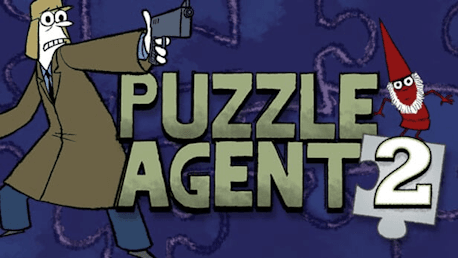
Puzzle Agent 2 (PC)

***Not Compatible with Mac OS 10.8.x and above***
Agent Nelson Tethers just solved the biggest case of his career. So why isn't he satisfied? There’s still the case of a missing eraser factory foreman, a whispering madness is still creeping from mind to mind, and a troubling recurrence of... creatures... is lurking into the town.
The FBI's Department of Puzzle Research has marked the case closed -- are they sweeping it under the rug? Or worse, do they not even care? Worried that the case will languish forever unsolved, Tethers must go rogue and venture back to the eerie town of Scoggins, Minnesota to solve the mystery of "the Hidden People" once and for all.
Key features:
- Sequel to the award winning Puzzle Agent (PC Gamer’s Game of the Year, IGN’s Best of E3, etc)
- Creepy puzzle adventure with mystery and dark humor
- Wider variety of intuitive yet challenging puzzles

How does it work? Will I receive Puzzle Agent 2 as a physical copy?
No, you will receive Puzzle Agent 2 product key (Puzzle Agent 2 CD Key), that you will receive by e-mail. Afterwards, you will need to use the Steam-platform to redeem your Puzzle Agent 2 product key (Puzzle Agent 2 CD Key), and you'll be ready to download, install and play Puzzle Agent 2. You will receive a step-by-step guide on how to do this along with your purchase. It's easy as can be!
Agent Nelson Tethers just solved his biggest case yet. So why isn't he satisfied? Venture back to eerie Scoggins, Minnesota to solve the mystery of "the Hidden People" once and for all!
No customer reviews for the moment.