
 Kontakta oss
  Infocenter
  Logga in
  0 Produkt Produkter 0 Vara
 Inga produkter
0 Produkt(er) för totalt: 0,00 €








9 Years of Shadows (PC)

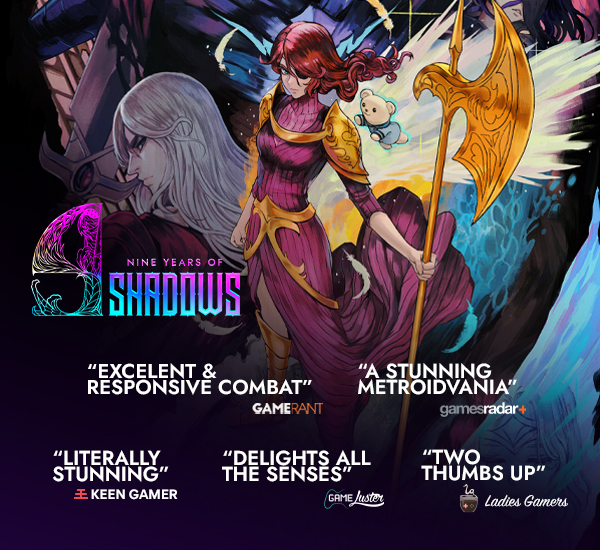
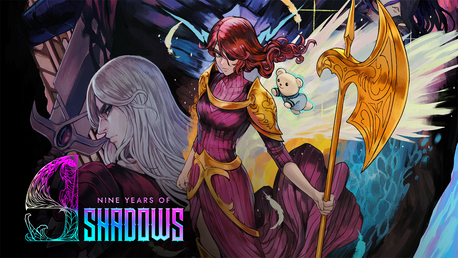
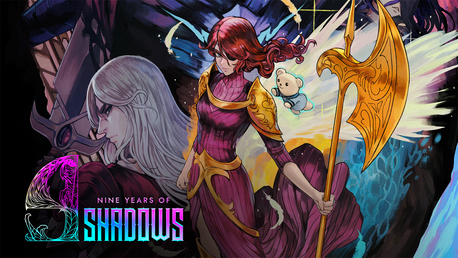
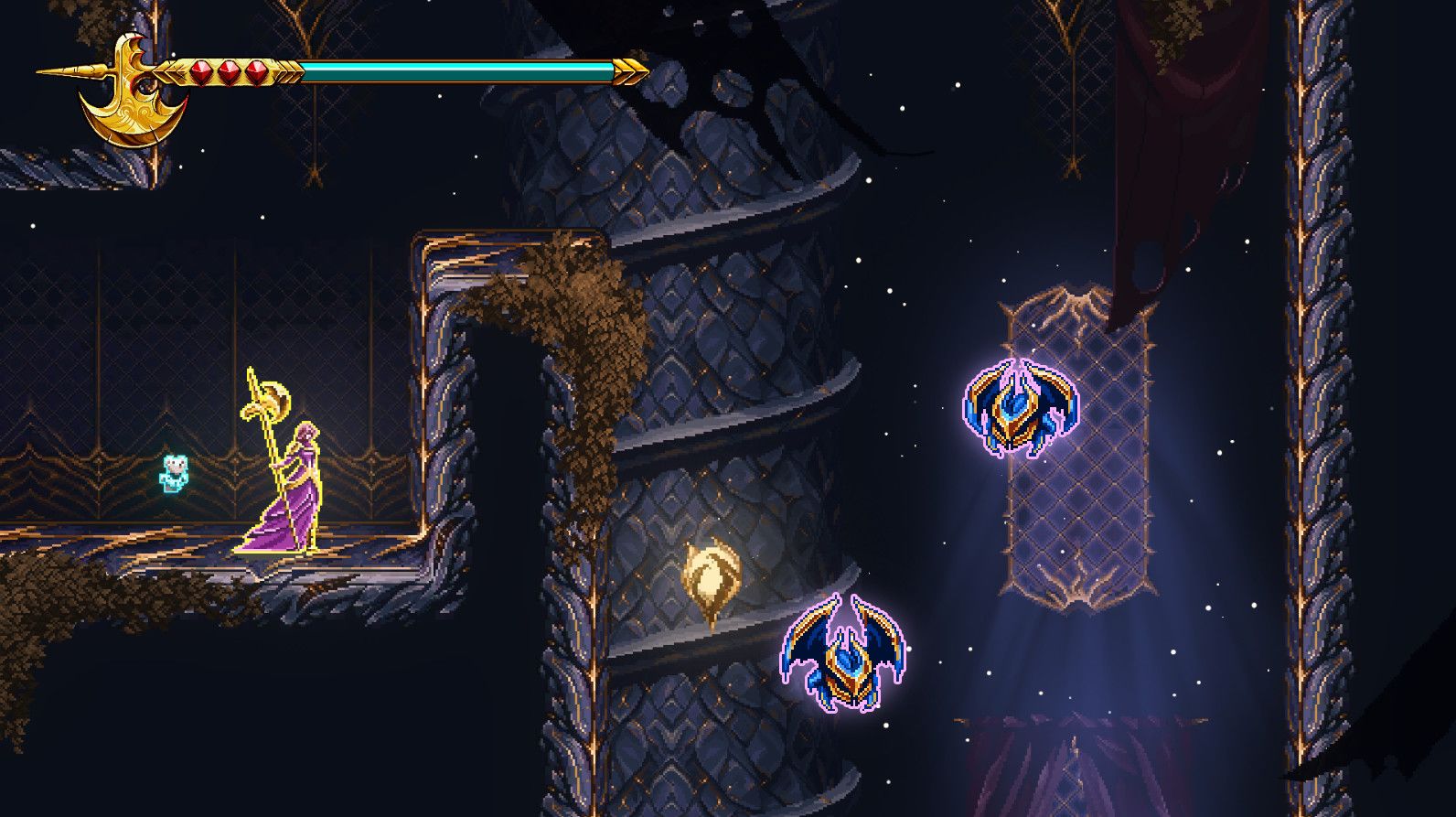
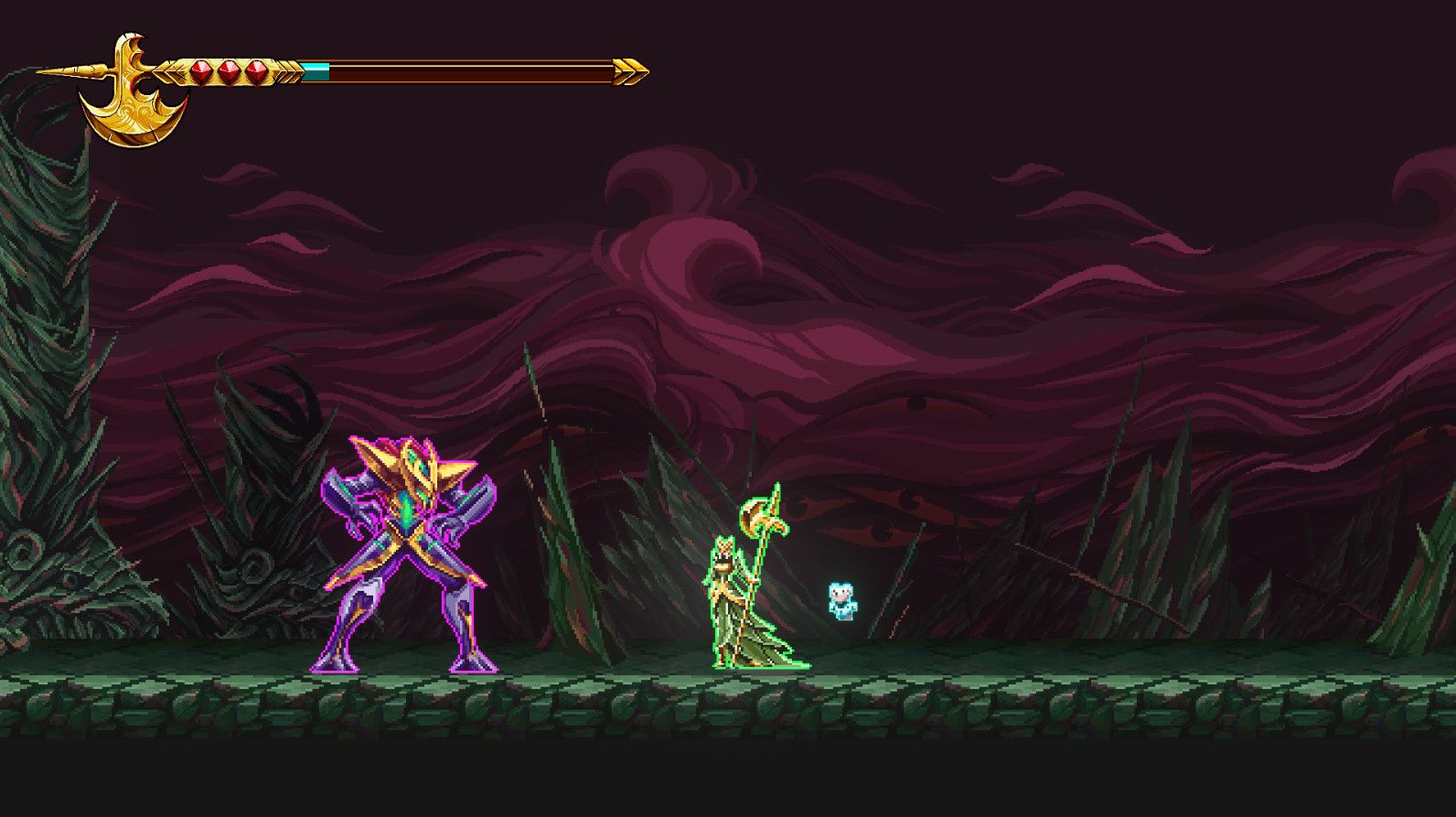
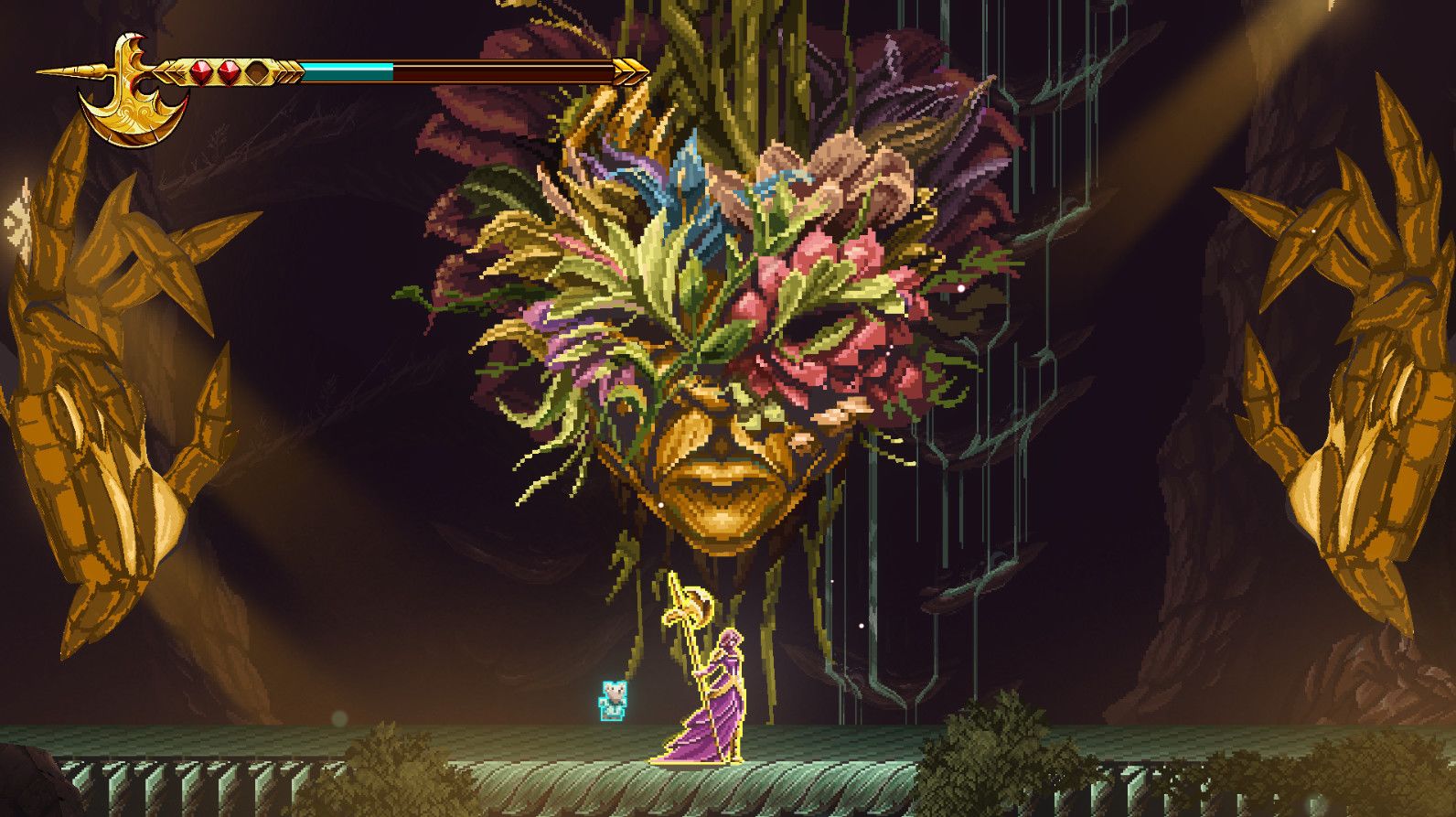
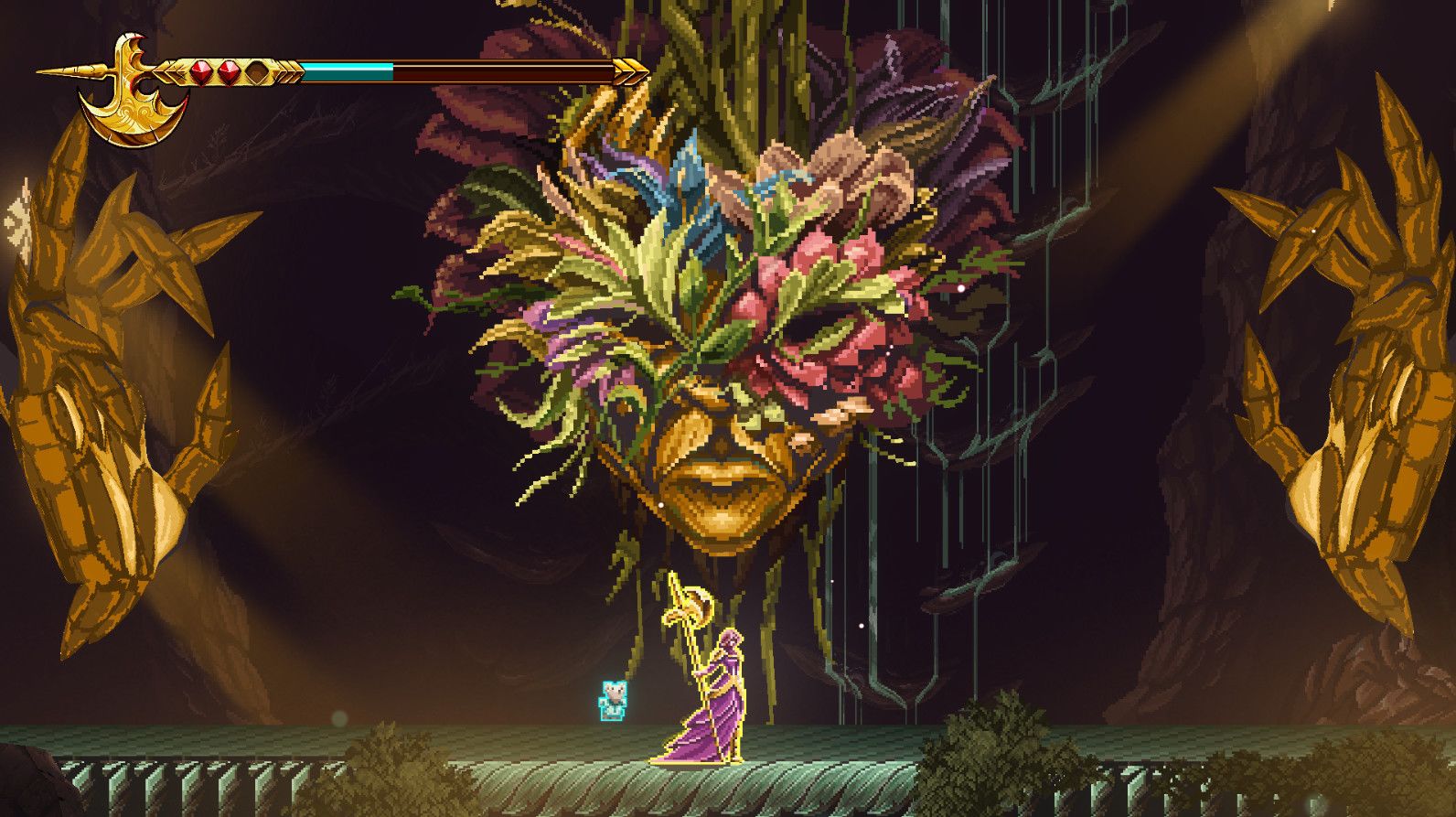
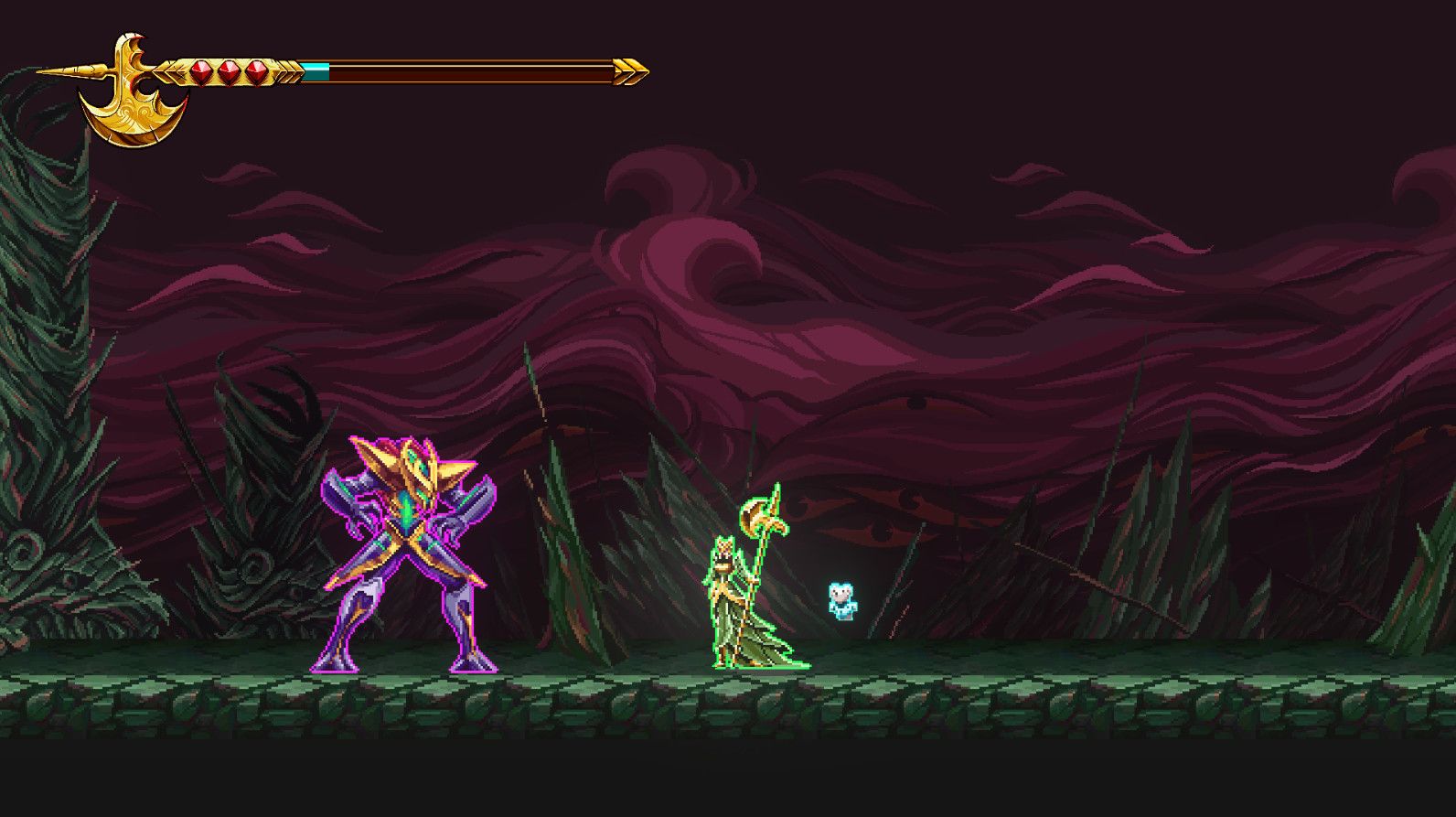
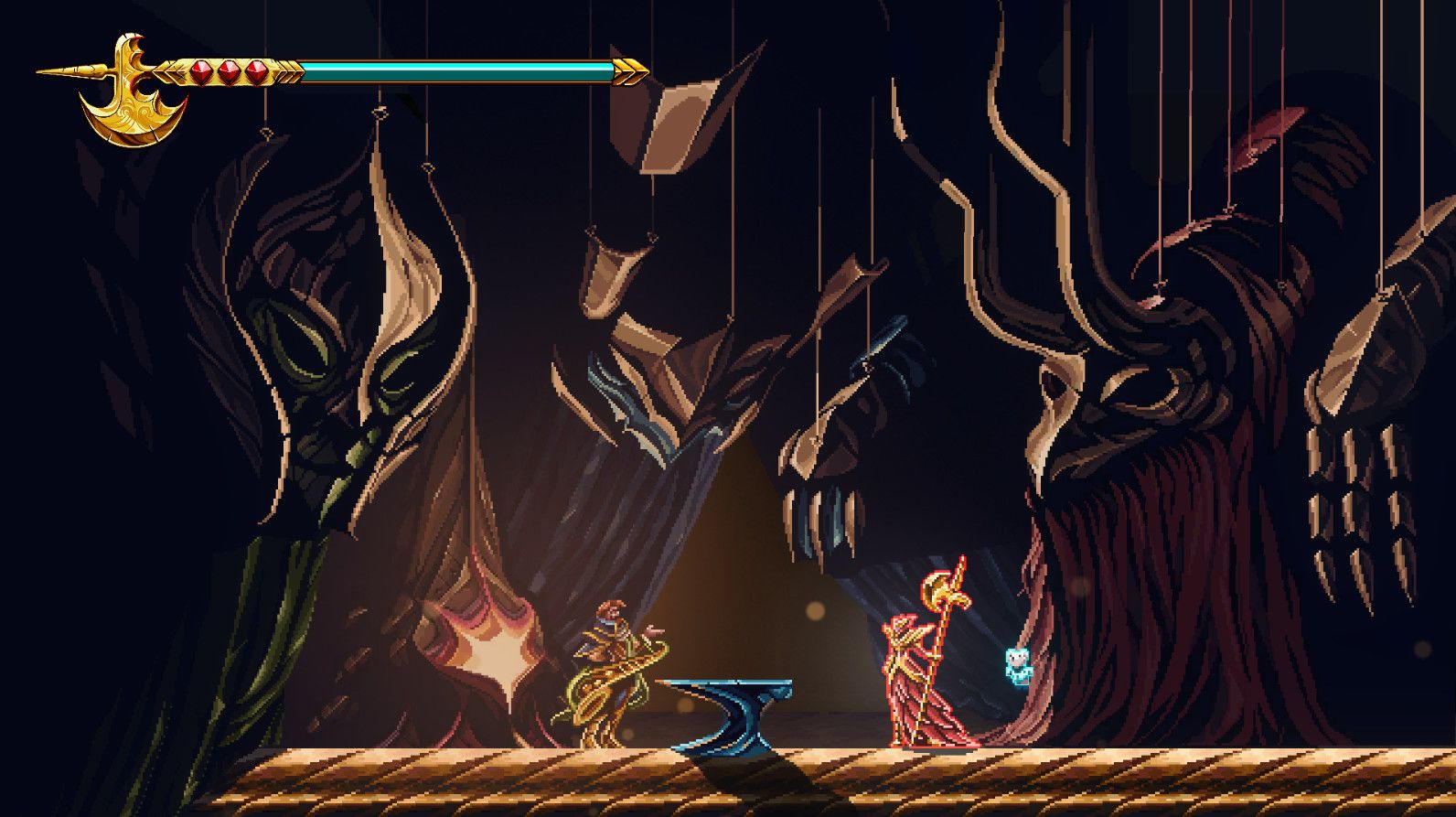
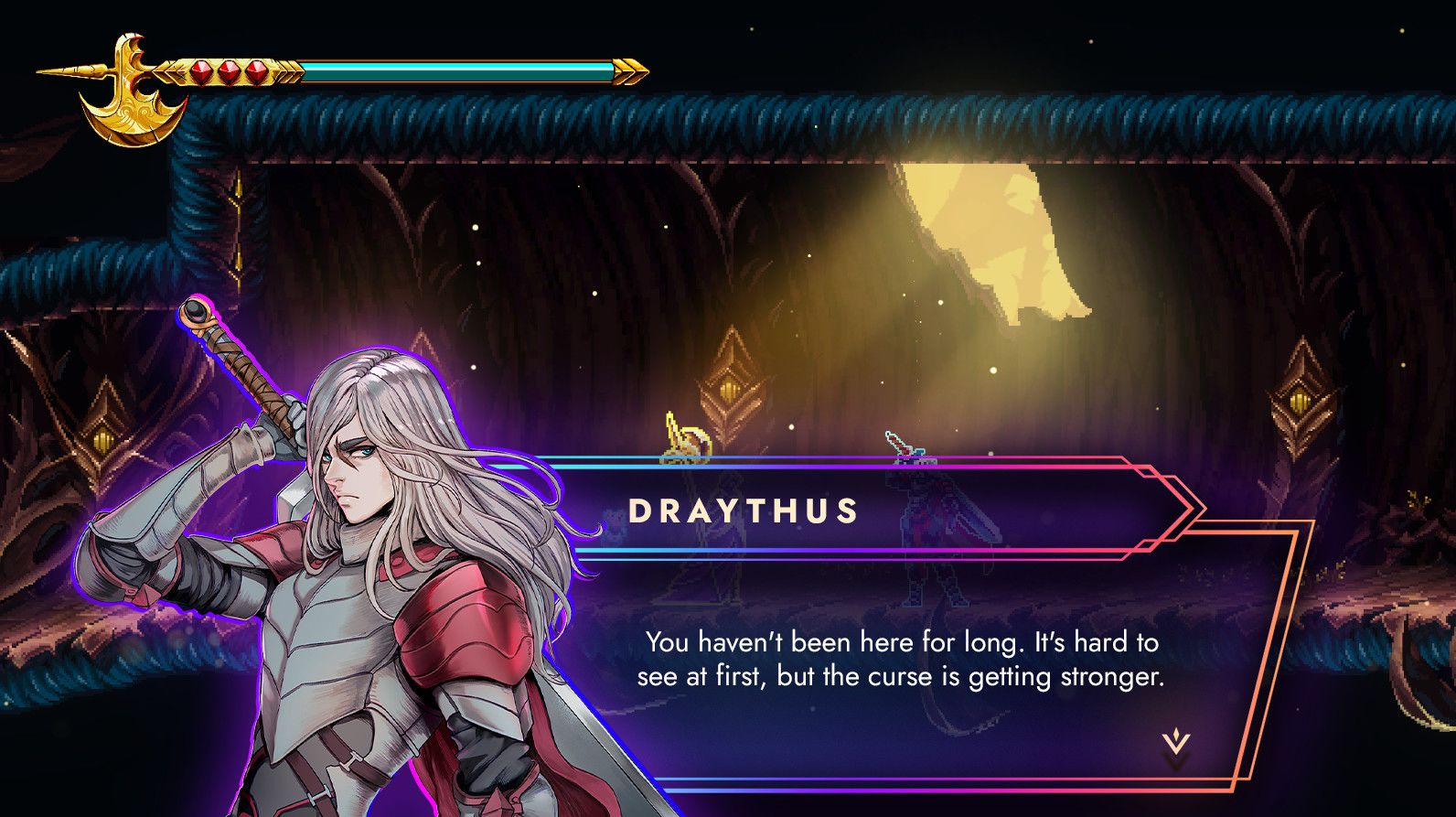
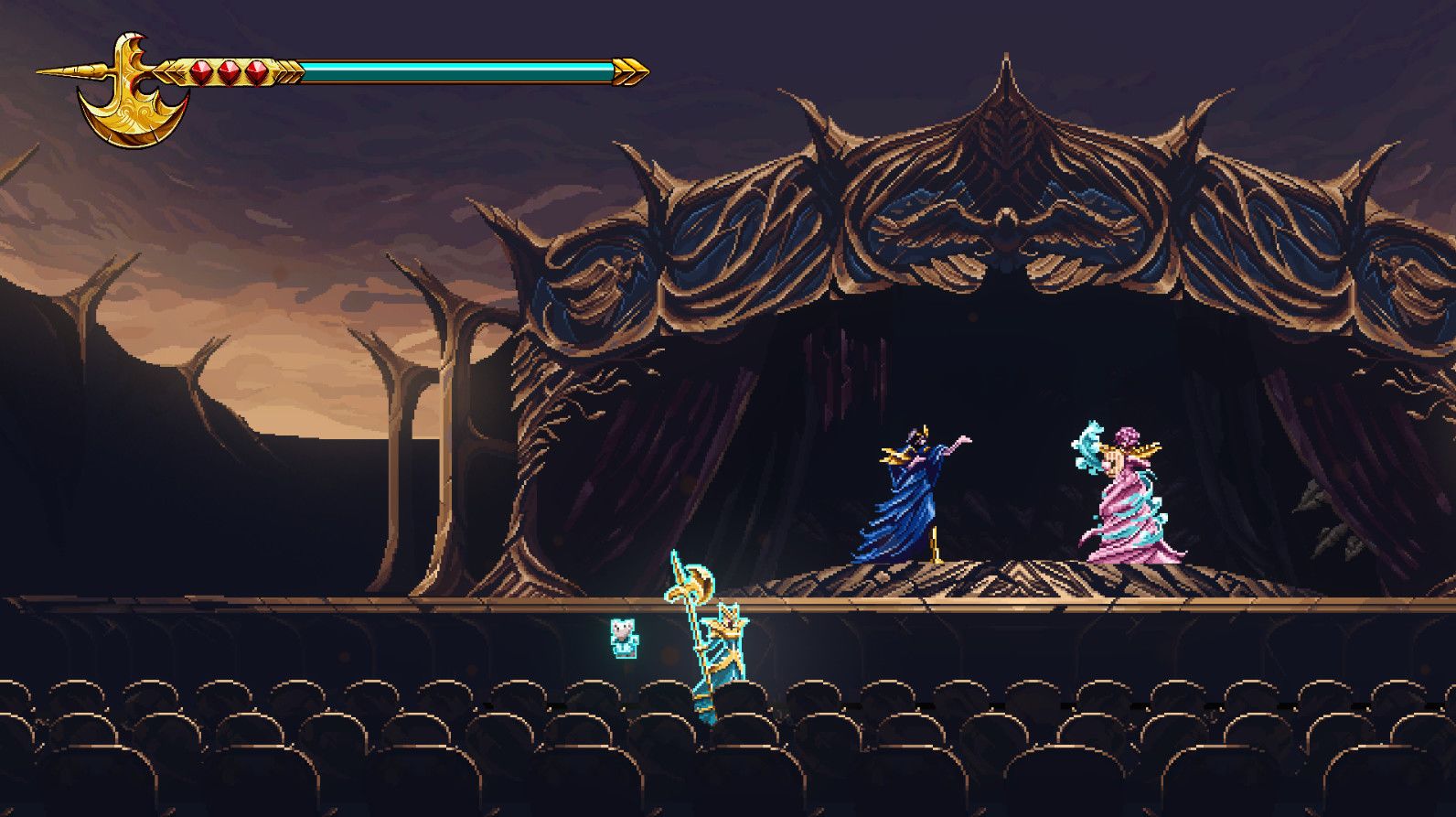
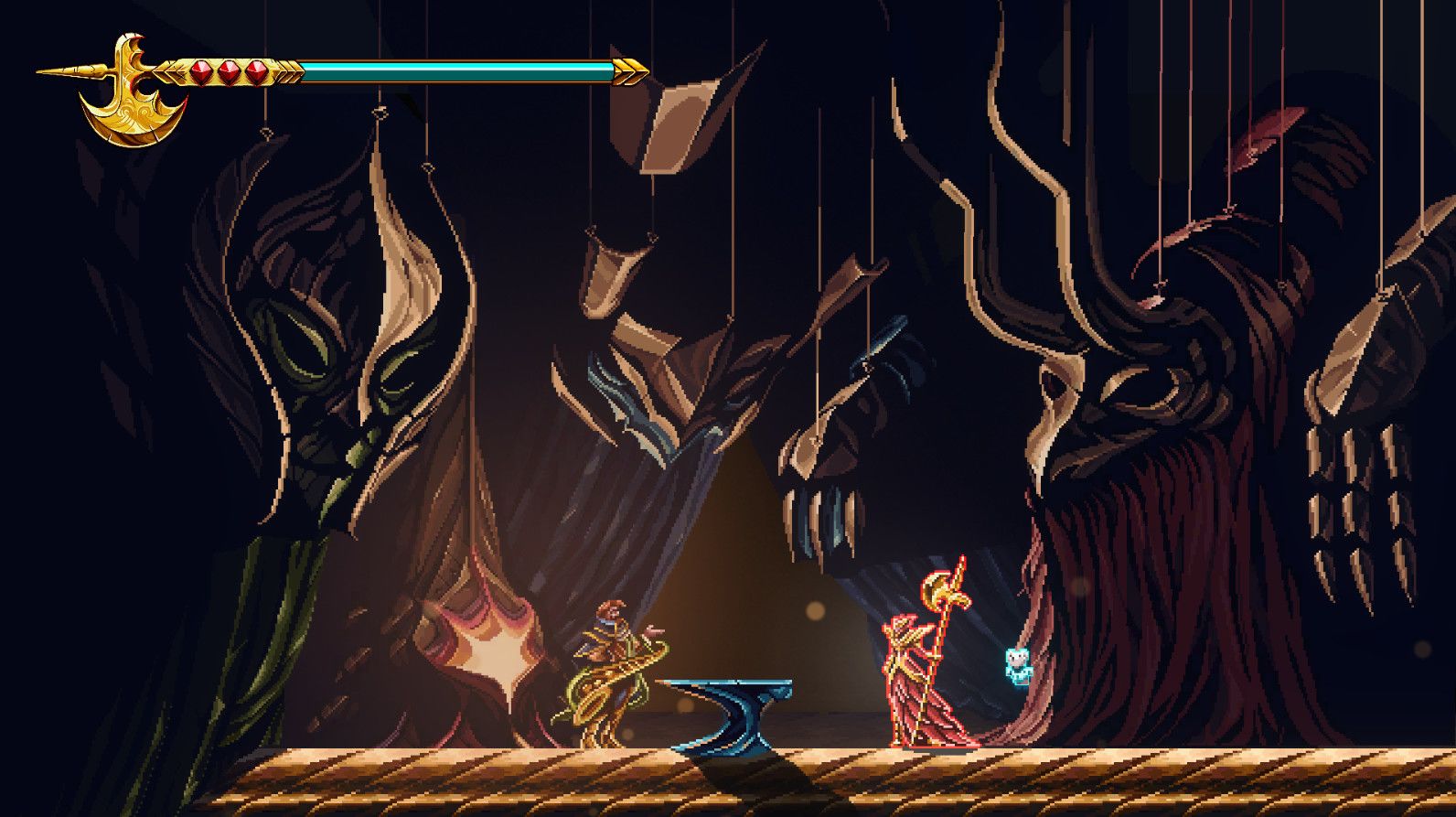
9 Years of Shadows is a side-scrolling Metroidvania by Halberd Studios. Travel alongside Europa, a brave warrior determined to enter the mechanical giant Talos and stop the corruption within before it swallows the world in darkness. Battle through tainted creatures, meet charismatic musicians and uncover the truth behind the curse that robbed the land of all color.
Many have tried to venture inside the twisted depths of Talos, a dormant fortress where several civilizations have settle over centuries. And, after losing everything she held dear, Europa has nothing holding her back from attempting what others could not achieve. As a noble fighter who refuses to be bound by the curse, she must enter the castle, find the source of corruption, and return the color once and for all.

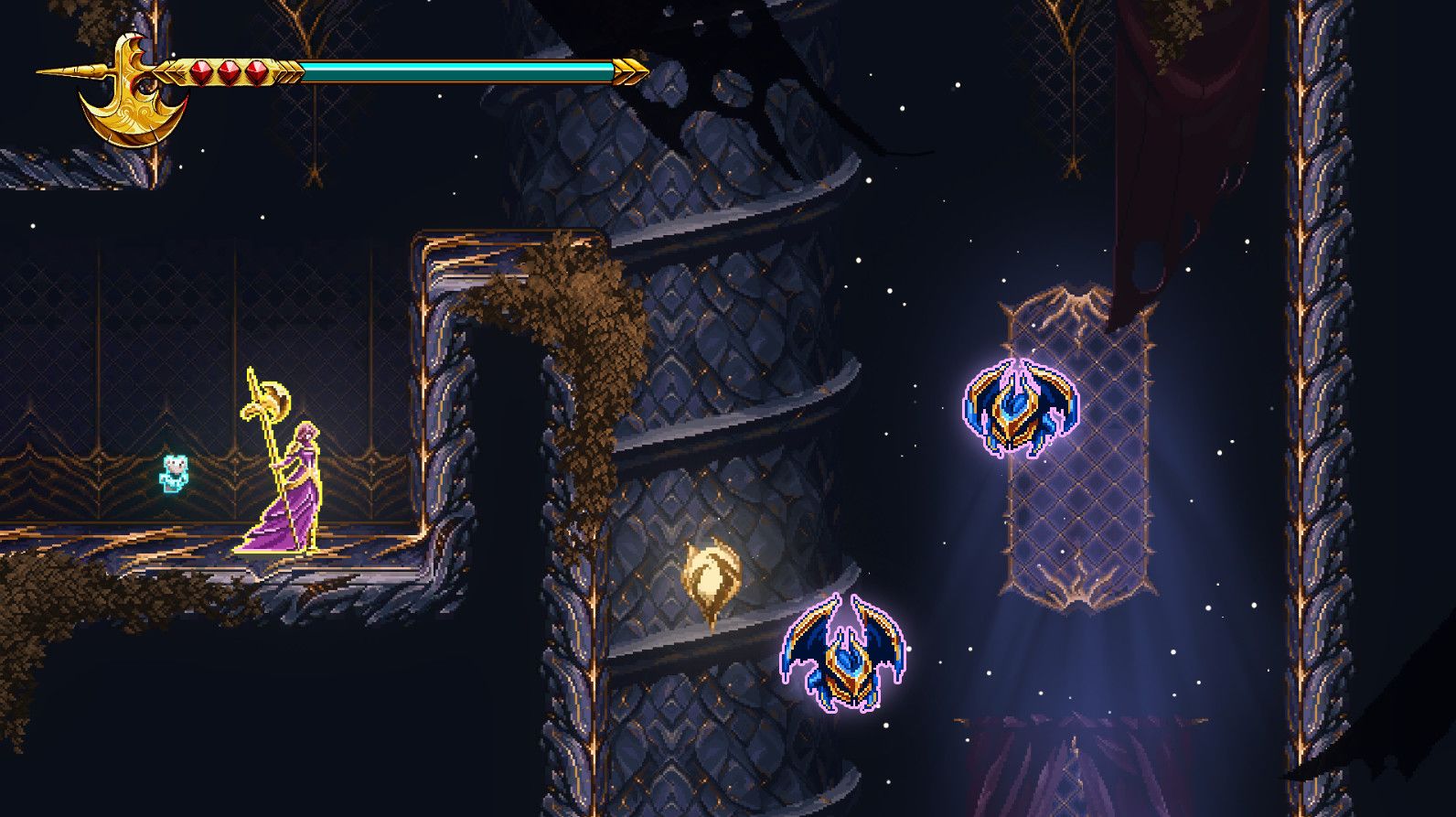
This adventure is not for Europa to face alone. Inside the giant, she befriends Apino, a cute floating bear who seems to possess magical abilities that can restore color and replenish the health of his allies. He is also able to shield his companions from the multiple dangers that roam Talos’ hallways.

While exploring the castle, Apino can cleanse the corruption around Talos and shoot a variety of projectiles that can destroy dark crystals and inflict damage:
A fist that punches upwards when conjured.
A blast that travels along a surface until collision
A cyclone that returns to Apino like a boomerang.
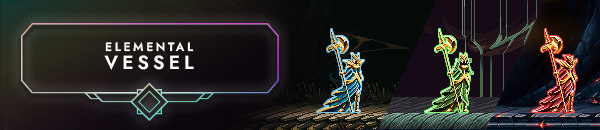
Use the elements to your advantage to travel the map dynamically. Acquire the elemental armors that were once treasures to ancient civilizations and change on the fly and unlock special abilities to traverse your way: from swimming against waterfalls to traveling underground tunnels or gliding through warm air currents.
Harness the power of lightning, water, earth, and fire. Surprise bosses while you switch armors, perform strong halberd combos, and exploit your foes’ weaknesses to pave your way through the heart of the shadows.
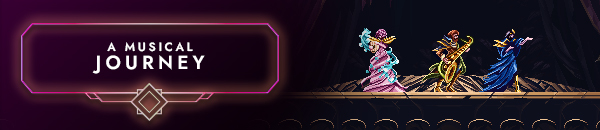
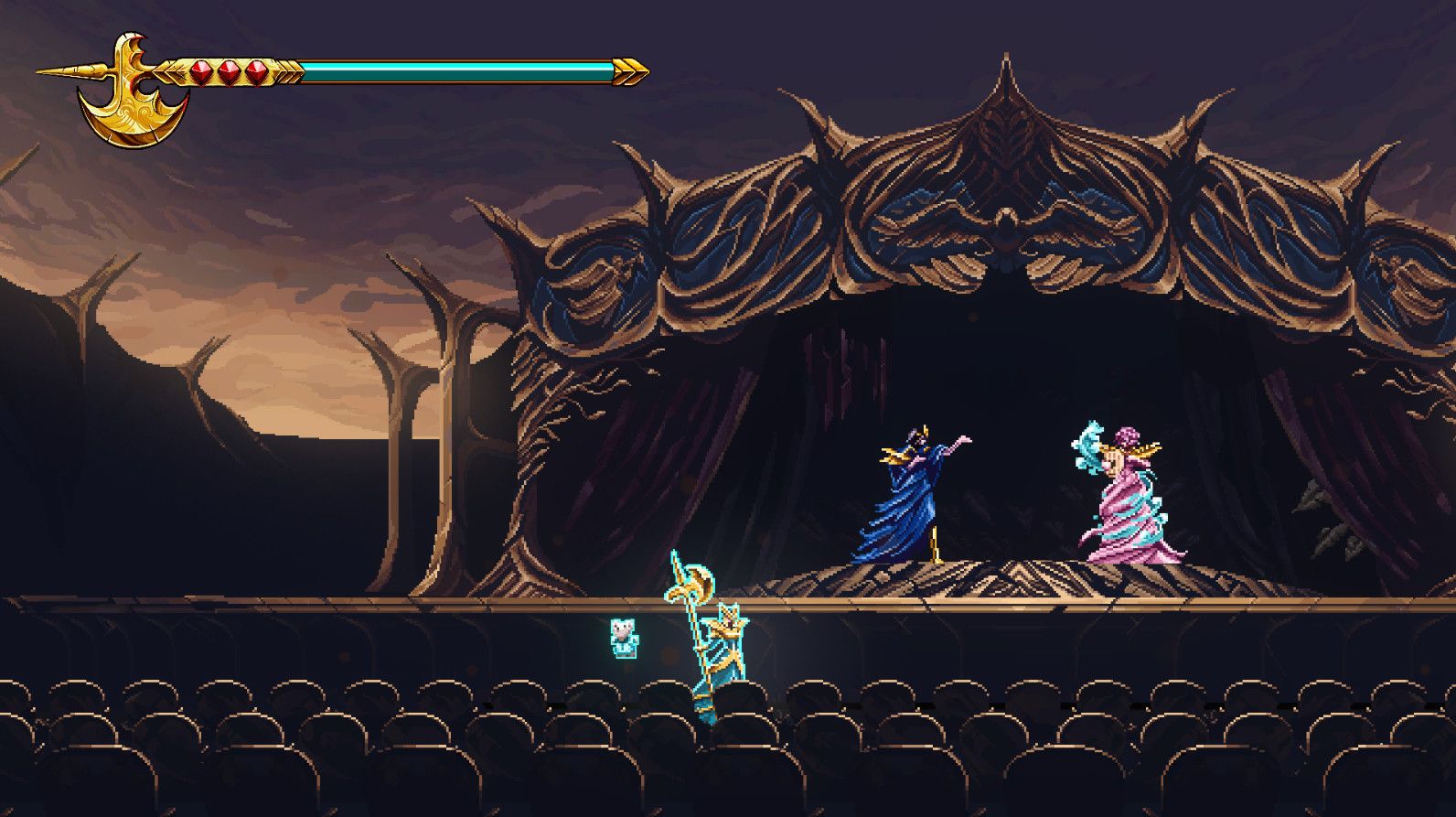
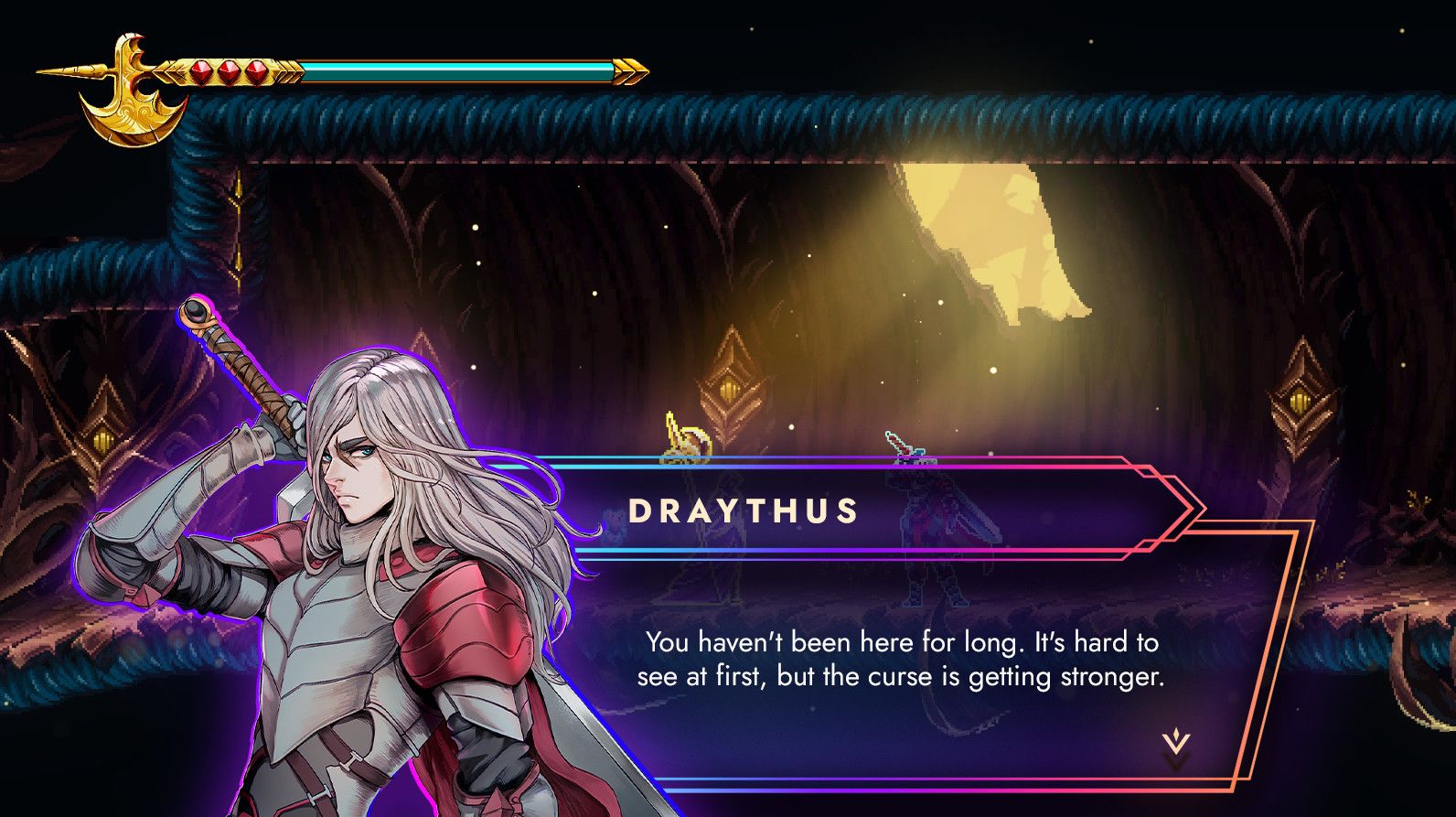
Music is all but the soul of the game. Revitalize the world while you listen to a moving soundtrack composed by Miguel Hasson, as well as soothing pieces scored in 432hz by celebrated composers Michiru Yamane (Castlevania series) and Norihiko Hibino (Metal Gear Solid series). Meet these guest composers as in-game NPCs who aid in Europa’s quest throughout the game.
Music is the binding thread that combines gameplay and storytelling: collect musical notes and perform a healing lullaby to restore your health.
Legal Information
© Halberd Studios & Freedom Games - All Rights Reserved.
Hur fungerar det? Får jag 9 Years of Shadows som en fysisk kopia?
Nej, du får 9 Years of Shadows produktnyckel (9 Years of Shadows CD Key), som du får via e-post. Sedan måste du använda Steam-plattformen för att lösa in dina 9 Years of Shadows produktnyckel (9 Years of Shadows CD Key), och du är redo att ladda ner, installera och spela 9 Years of Shadows. Du får en steg-för-steg guide om hur du gör detta tillsammans med ditt köp. Det är hur enkelt som helst!
Fight to bring beautiful colors back to a hand-crafted world of darkness and discover the story of Europa, a young warrior, and her ghostly childhood companion, Apino.
Inga kundomdömen för tillfället.